MINI Hawk High Performance Imager User’s Manual 10-27
Camera and IP Setup
Morphological Operation and Operator Size
Morphological Operation
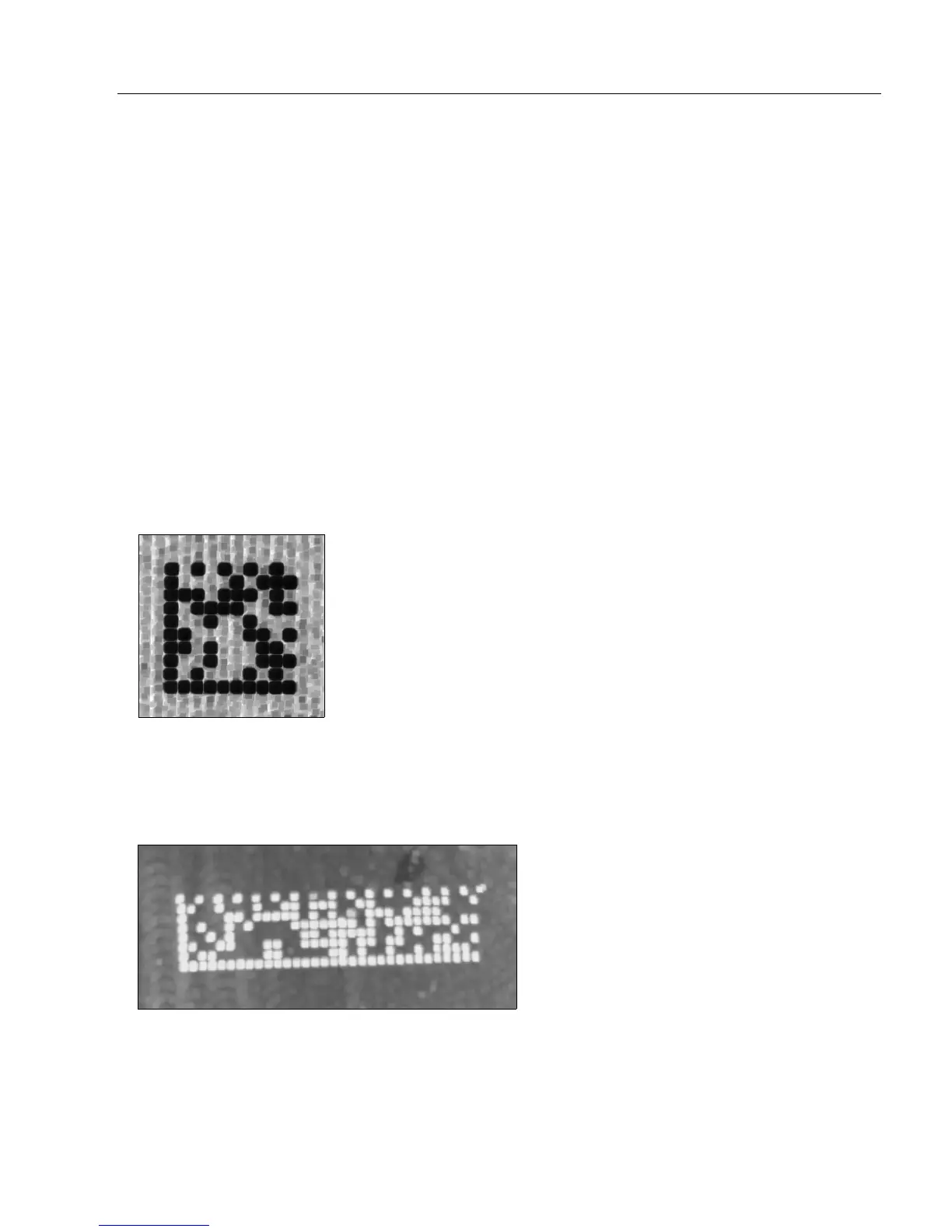
Erode
Erode increases the dark cell size of a symbol. Useful for increasing the dark cell size of a
dark-on-light Data Matrix symbol.
Dilate
Dilate increases the light cell size of a symbol. Useful for increasing the light cell size of a
light-on-dark Data Matrix symbol.
Definition:
Morphological Operation
allows the user to select the method for processing
captured images.
Serial Cmd: <K551,0,morphological operation,operator size>
Default: Erode
Options: 0 = Erode
1 = Dilate
2 = Open
3 = Close



 To Next Page