MINI Hawk High Performance Imager User’s Manual 13-7
Utilities
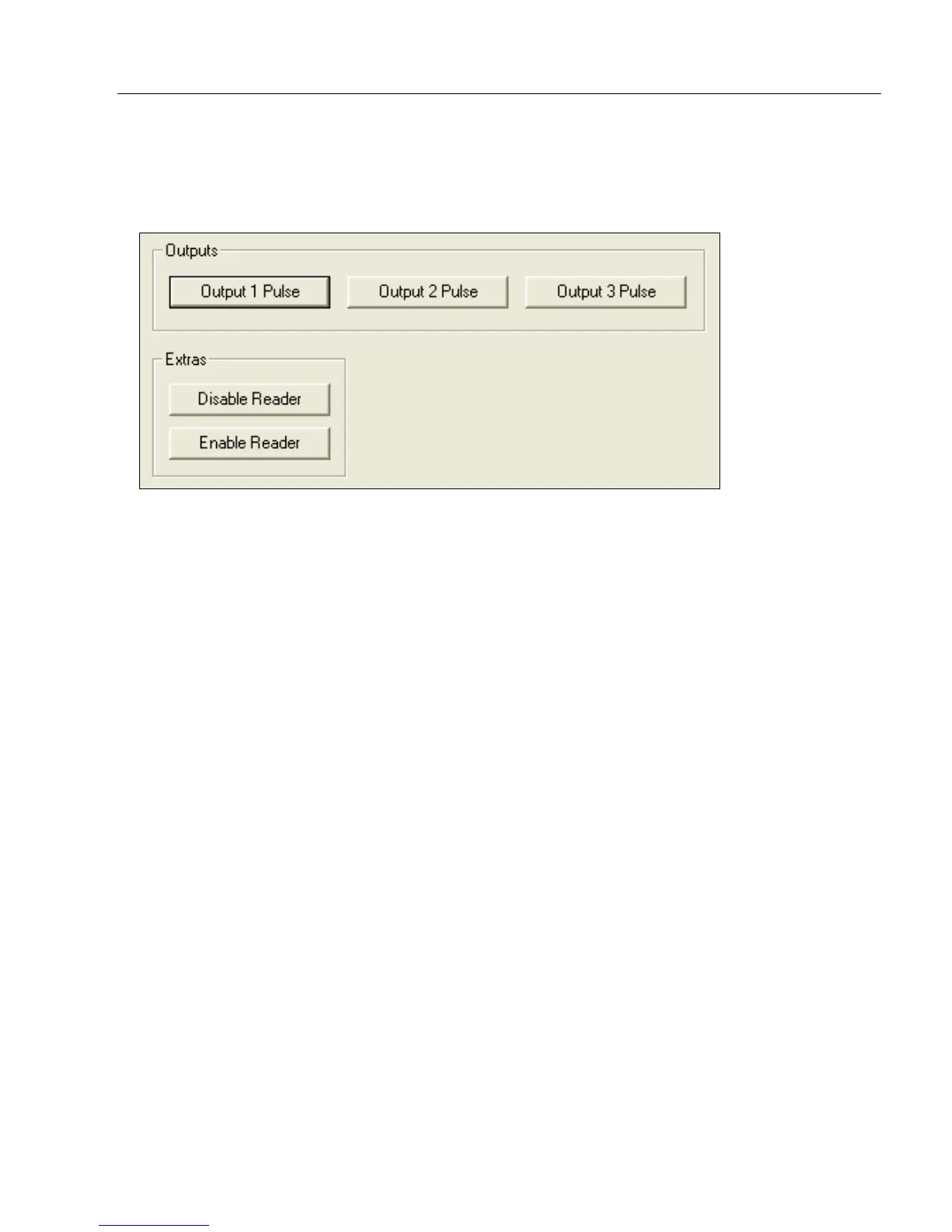
Device Control
Device Control by ESP
Device Control by Serial Command
Output 1 Pulse
Sending <L1> activates the link between Output 1 (+) and Output 1 (–) of the host connector
(regardless of Master Symbol or Output 1 status).
Output 2 Pulse
Sending <L2> activates the link between Output 2 (+) and Output 2 (–) of the host connector
(regardless of Master Symbol or Output 2 status).
Output 3 Pulse
Sending <L3> activates the link between Output 3 (+) and Output 3 (–) of the host connector
(regardless of Master Symbol or Output 3 status).
Disable Reader
Sending <I> will turn the imager OFF, end the current read cycle, and will not allow the
imager to enter another read cycle until turned ON. This feature is useful during extended
periods of time when no symbols are being decoded, or the imager is being configured.
Disabling the imager will not affect any commands that have already been downloaded.
Enable Reader
Sending <H> will turn the imager ON and allow it to enter read cycles.
Enable PDF Information
Sending <a1> will cause PDF417 data to be prefaced with information consisting of ECC
level (ECC level n), number of rows (n rows), number of columns (n columns), number of
informative code words (n info code words), and the number of data characters (n data
bits). Send <a1> again to disable PDF Information.



 To Next Page