7-24 MINI Hawk High Performance Imager User’s Manual
Configurable Output 1
Trend Analysis Output 1
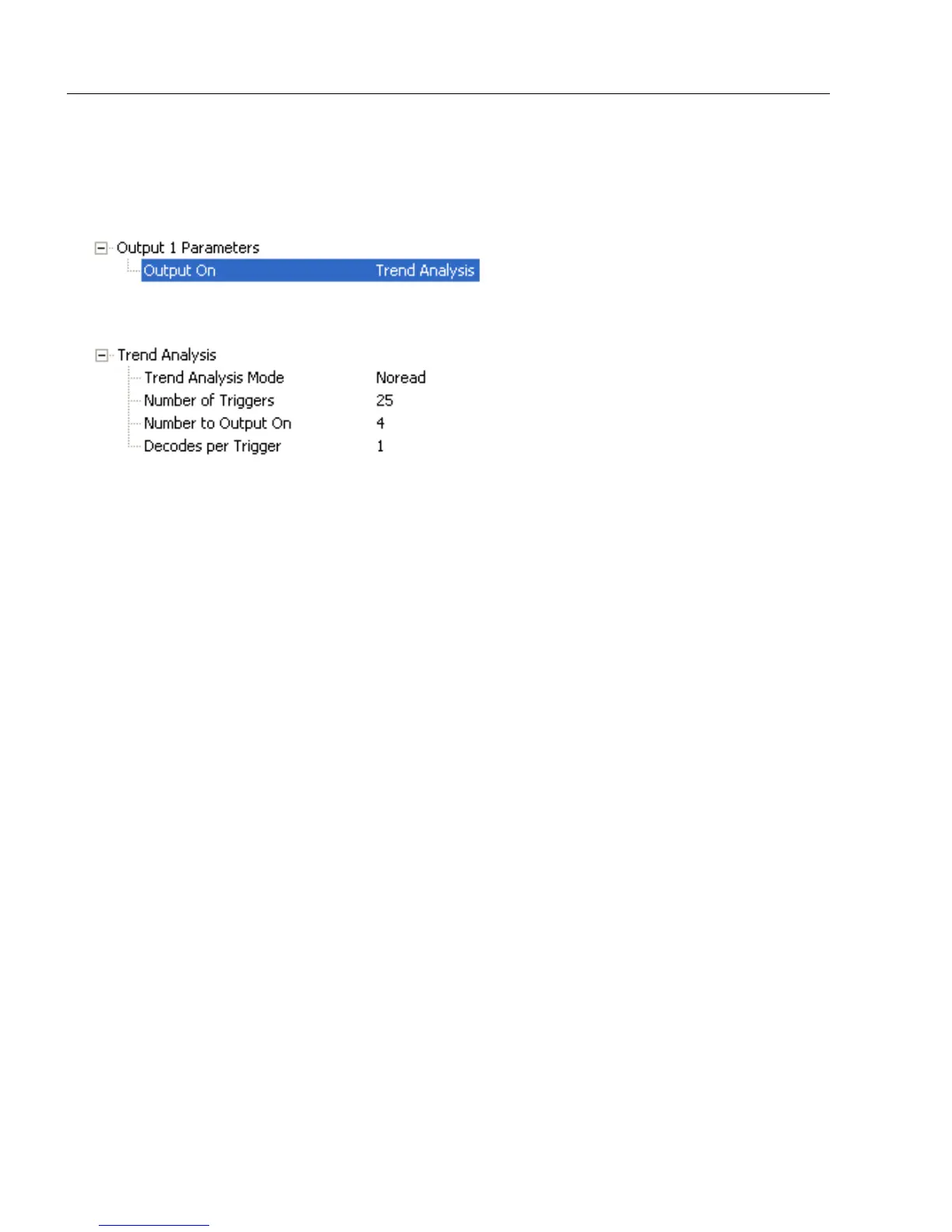
Note: Output On under Output 1 Parameters must be set to Trend Analysis for this
output to function.
Under Output 1 Parameters, expand the Trend Analysis tree:
Usage: Useful in cases where the user doesn’t want to shut down for one condition
but wants to monitor quality and read conditions.
Definition: Applies Trend Analysis settings to Output 1.
With Trend Analysis, the user can track the occurrences and frequency of
mismatches, No Reads, and the number of reads per trigger, and output the
results to any of three outputs.
Example: Trend Analysis Mode = No Read
Trigger Evaluation Period= 25 triggers (read cycles)
Number to Output On = 4
In this example, the imager will activate an output when 4 No Reads occur
within a period of 25 triggers (read cycles).



 To Next Page