MINI Hawk High Performance Imager User’s Manual 14-3
Output Format
Output Format Status
Output Format Status Disabled
When Output Format Status is set to Disabled, output formatting is globally disabled.
Output Format Status Enabled
When Output Format Status is set to Enabled, output formatting is enabled. However,
Format Assign, Format Insert, and Format Extract must be properly set up as well.
Output Format Status by ESP
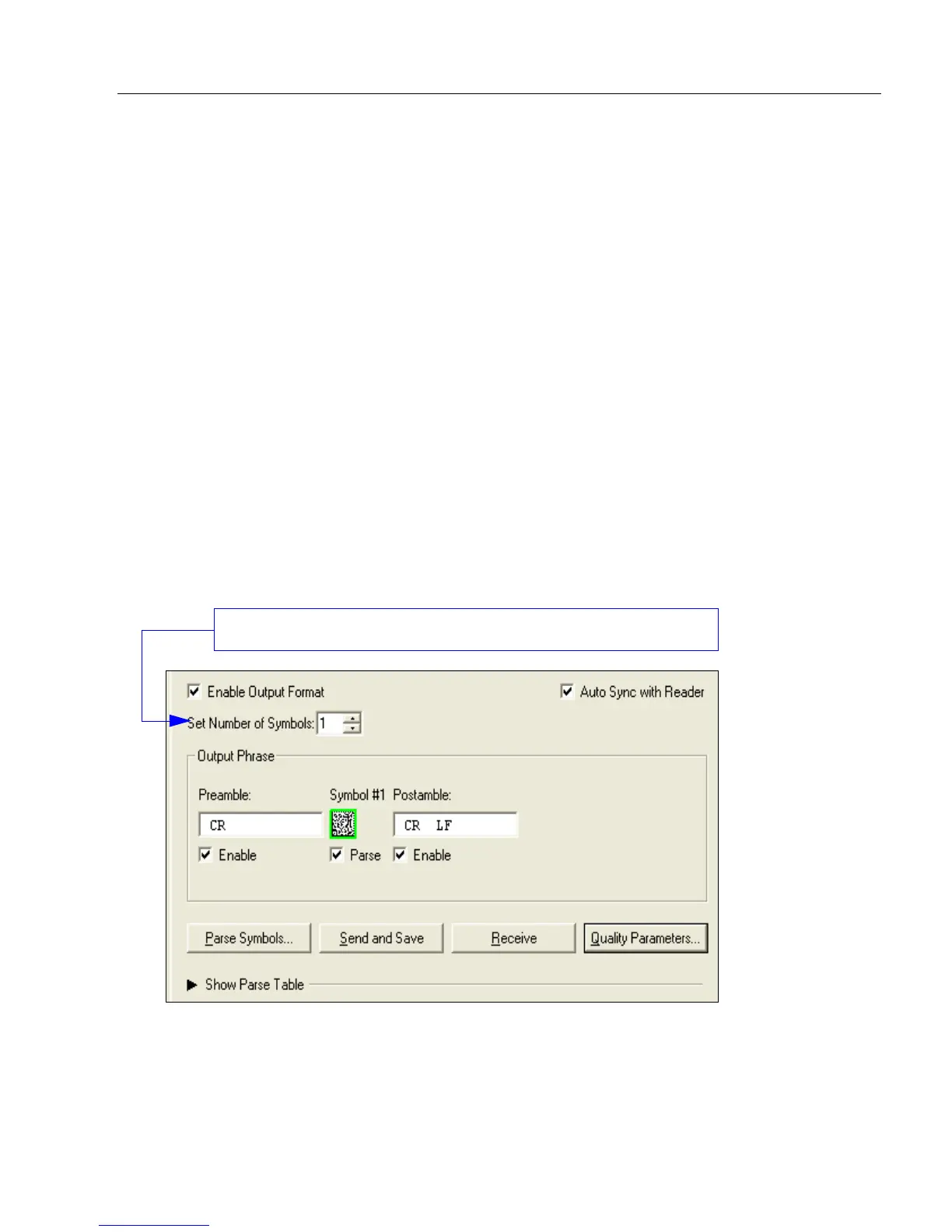
Definition: This is a global enable/disable parameter. In order to use formatting you
must set up the format using the insert and extract commands, and you
must also assign a symbol to format using the Format Assign command.
Serial Cmd: <K743,output format status>
Default: Disabled
Options: 0 = Disabled 1 = Enabled
On the Output Format tab, check the Enable Output Format box.



 To Next Page