MINI Hawk High Performance Imager User’s Manual 7-31
I/O Parameters
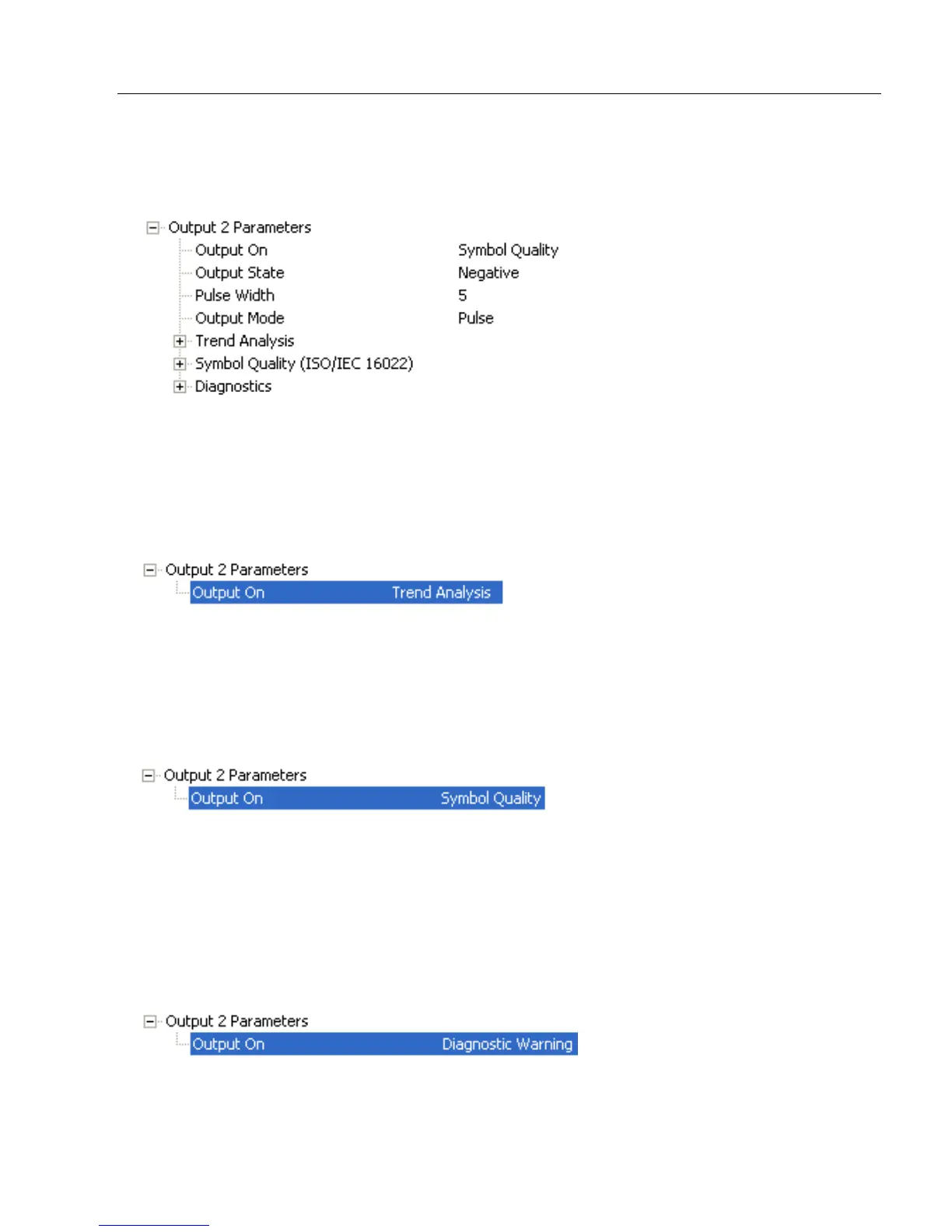
Configurable Output 2
Note: Output 2 has the same parameters and default settings as Output 1.
Trend Analysis Output 2
Note: Output On
under
Output 2 Parameters
must be set to
Trend Analysis
for this output
to function.
ISO/IEC 16022 Symbol Quality Output 2
Note: Output On under Output 2 Parameters must be set to Symbol Quality for this
output to function.
Diagnostics Output 2
Note: Output On under Output 2 Parameters must be set to Diagnostic Warning for
this output to function.
Serial Cmd:
<
K811,
output on,output state,pulse width,output mode>
Serial Cmd:
<
K781,
trend analysis mode,trigger evaluation period,number to output on>
Serial Cmd:
<
K801,
output on symbol contrast,symbol contrast threshold,output on print
growth,print growth threshold,output on axial non-uniformity,axial non- uniformity
threshold,output on UEC,UEC threshold>
Serial Cmd: <K791,unused 1,service unit>



 To Next Page