MINI Hawk High Performance Imager User’s Manual 9-5
Matchcode
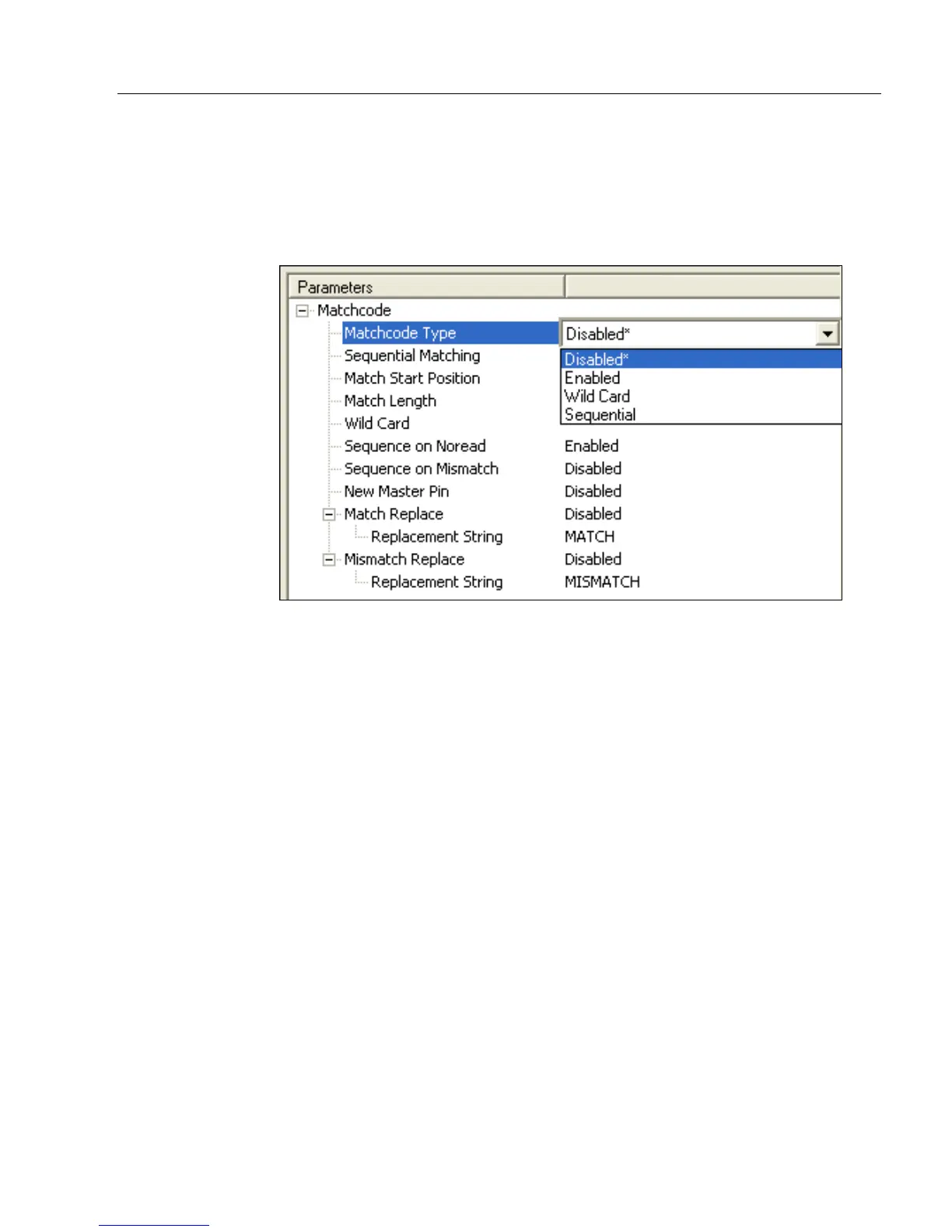
Matchcode Type
Definition: Allows the user to choose the way that master symbols will be compared
with subsequently read symbols.
Note: First set Triggering Mode to External or Serial.
ESP:
Serial Cmd: <K223,matchcode type,sequential matching,match start position,
match length,wild card character,sequence on No Read,sequence on
mismatch>
Default: Disabled
Options: 0 = Disabled
1 = Enabled
2 = Wild Card
3 = Sequential
Disabled: Has no effect on operations.
Enabled: Instructs the imager to compare symbols or portions of symbols with the
master symbol.
Wild Card: Allows the user to enter user-defined wild card characters in the master
symbol.
Sequential: Instructs the imager to sequence after each match (numeric only) and
compare symbols or portions of symbols for sequential numbers.
Note: If Matchcode Type is set to Sequential, the imager will behave
as if Number of Symbols were set to 1, regardless of the user-defined
configuration.



 To Next Page