13-16 MINI Hawk High Performance Imager User’s Manual
Firmware
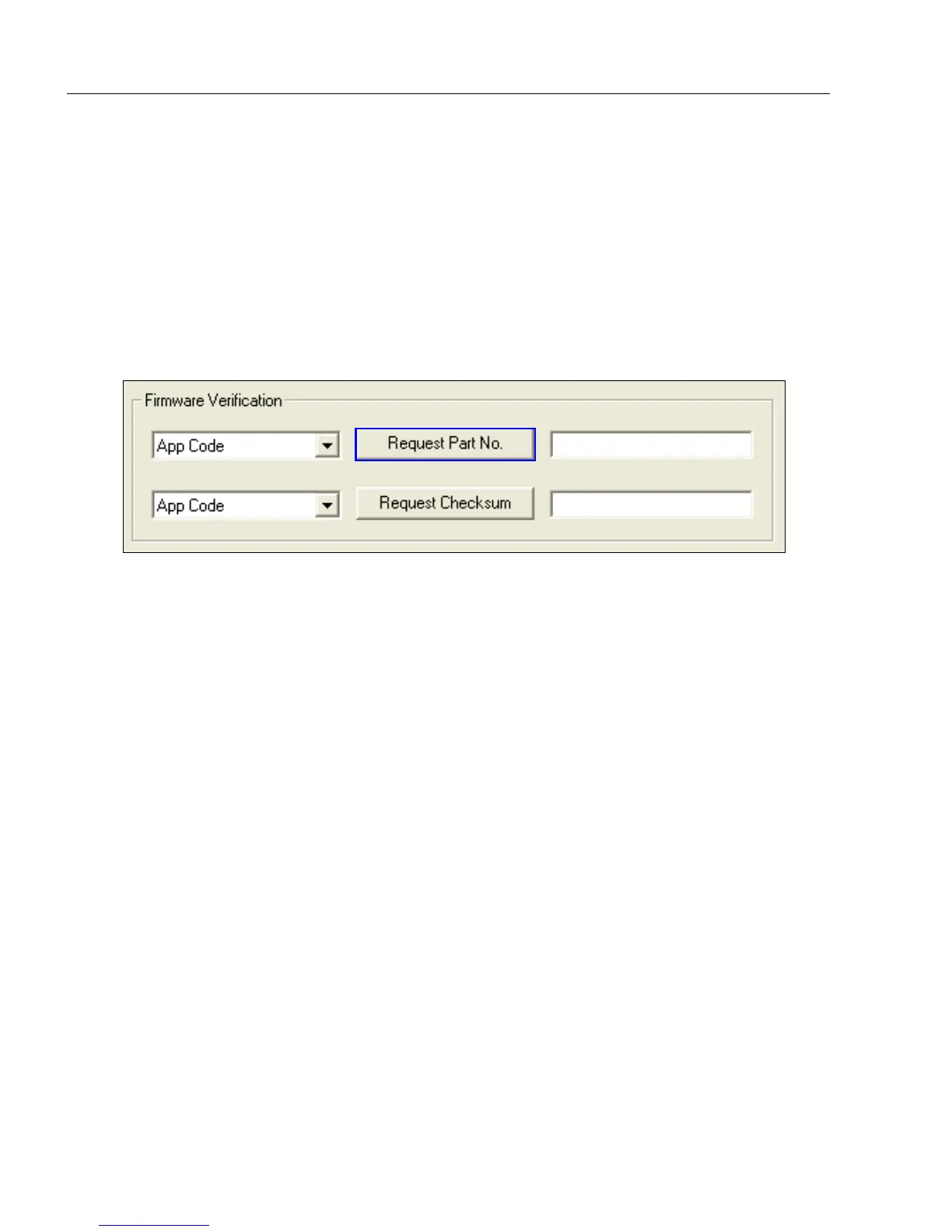
Firmware Verification
Request Part Number by ESP
You can send a request to the imager for part numbers, checksums, boot code, and
application code.
1. Click the Firmware tab.
2. From the pulldown selection box to the left of the Request Part No. button, make
your selection.
3. Select the code type to see its part number displayed in the text field to the right of
the Request Part No. button.
Request Part Number by Serial Command
• When you send <#> (a request for all product part numbers), the imager returns:
<#b/BOOT_P/N><#a/APP_P/N><#p/PROFILE_P/N>.
• When you send <#a> (a request for the application code part number), the imager returns:
<#a/APP_P/N>.
• When you send <#b> (a request for the boot code part number), the imager returns:
<#b/BOOT_P/N>.
• When you send <#p> (a request for profile module part numbers), the imager returns:
<#p/PROFILE_P/N>.



 To Next Page