MINI Hawk High Performance Imager User’s Manual 13-15
Utilities
Firmware
Firmware by ESP
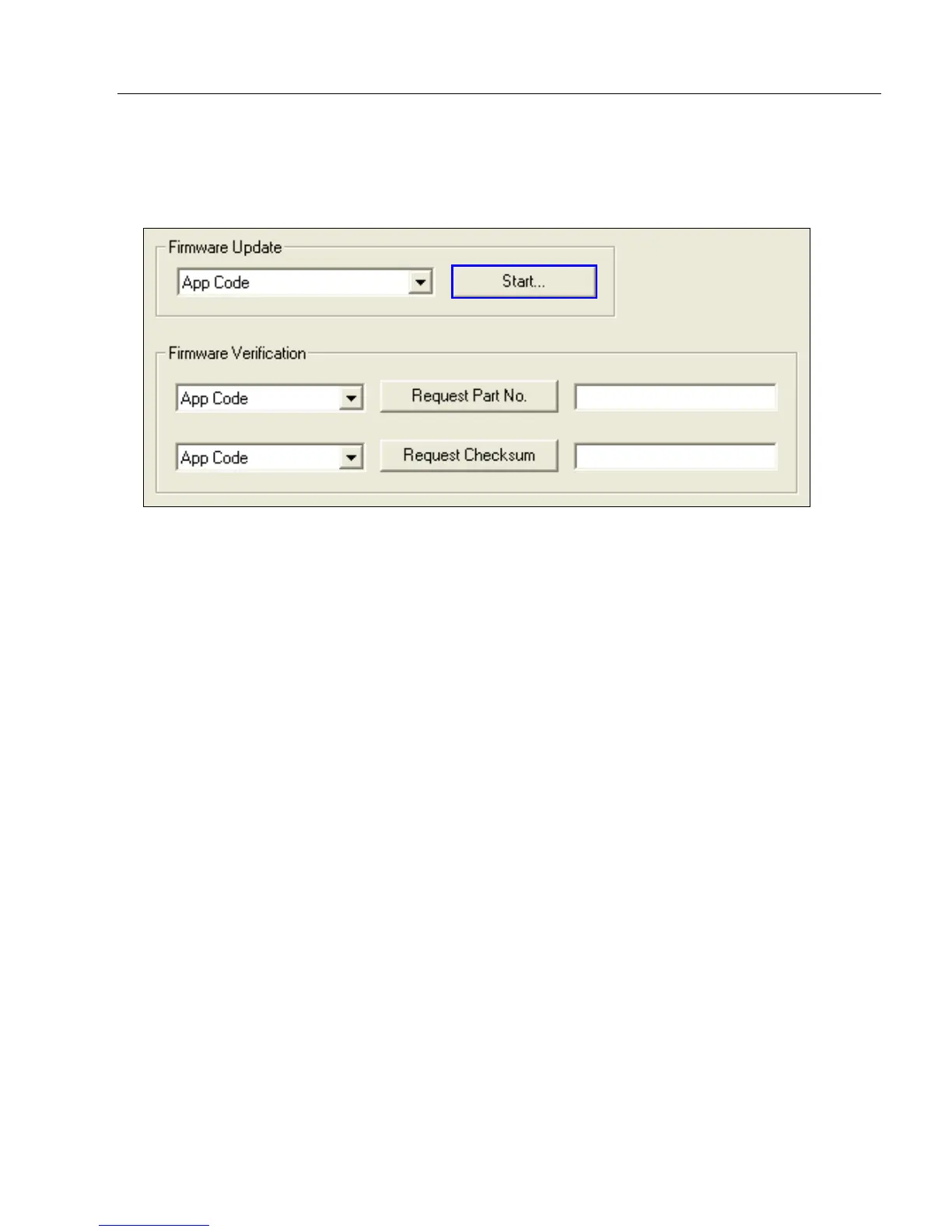
Firmware Update
Application code versions are specific to your imager. Consult with your sales representative
before downloading application code. If needed, an application code will be sent to you in
the form of a *.mot file.
To download application code:
1. First, be sure that your imager is connected to the host.
2. Apply power to the imager.
3. Before updating, you should verify the current firmware.
4. Click in the Firmware Update text box and select the file type you want to download.
This will open a file locator box.
5. Navigate to the appropriate file (it will be a *.mot file), open the file and click Start.
Caution: Do not interrupt power or disconnect the host cable while download is in
progress. Be sure that each download is complete before moving on to the next.
Important: When updating firmware, be sure that the application code and boot code
versions are mutually compatible.



 To Next Page