MINI Hawk High Performance Imager User’s Manual 6-29
Symbologies
Postal Symbologies
Important: Postal Symbologies must have a pixels-per-element value of no more than 7
to be decoded reliably by the MINI Hawk.
The imager must be configured to specific read range, field of view, and camera parameters
before decoding Postal Symbologies.
For optimal decode results with a Standard Density (SD) imager:
•Set Focal Distance to 6” and set gain and shutter settings for a high contrast image.
• Enable Camera Features at 4:1.
• Position the imager 3.5” to 6” from the symbol (5-10” if Pixel Sub-Sampling is disabled).
• Position the symbol as close to the center of the imager’s field of view as possible.
Note: Measurements based on a 16 mil (60 dpi) POSTNET symbol.
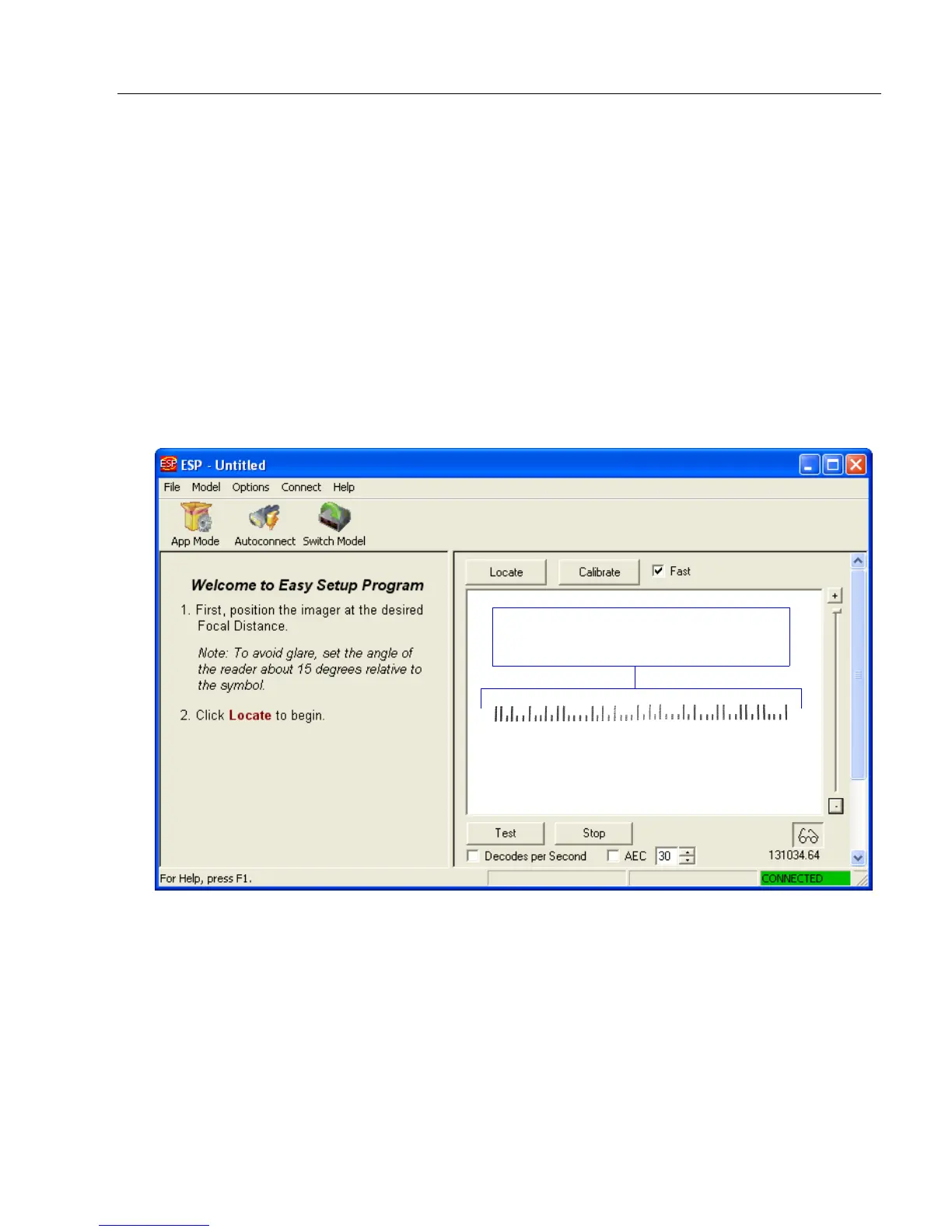
Position the postal symbol in the center
of the imager’s field of view.



 To Next Page