8-8 MINI Hawk High Performance Imager User’s Manual
Symbol Quality Separator/Data Matrix Output Mode
Symbol Quality Separator/Data Matrix Output Mode
Symbol Quality Separator applies to both Symbol Quality groups: ISO/IEC 16022 Symbol
Quality Output and Microscan Symbol Quality Output.
Symbol Quality Separator
Important:
The ASCII characters
<
,
>
, and
,
can only be entered as hex pairs:
For <: <K708h,3C>
For >: <K708h,3E>
For
, : <K708h,2C>
See ASCII Character Entry Modifier on page 3-32 for a detailed explanation of how to
enter ASCII characters as hex values.
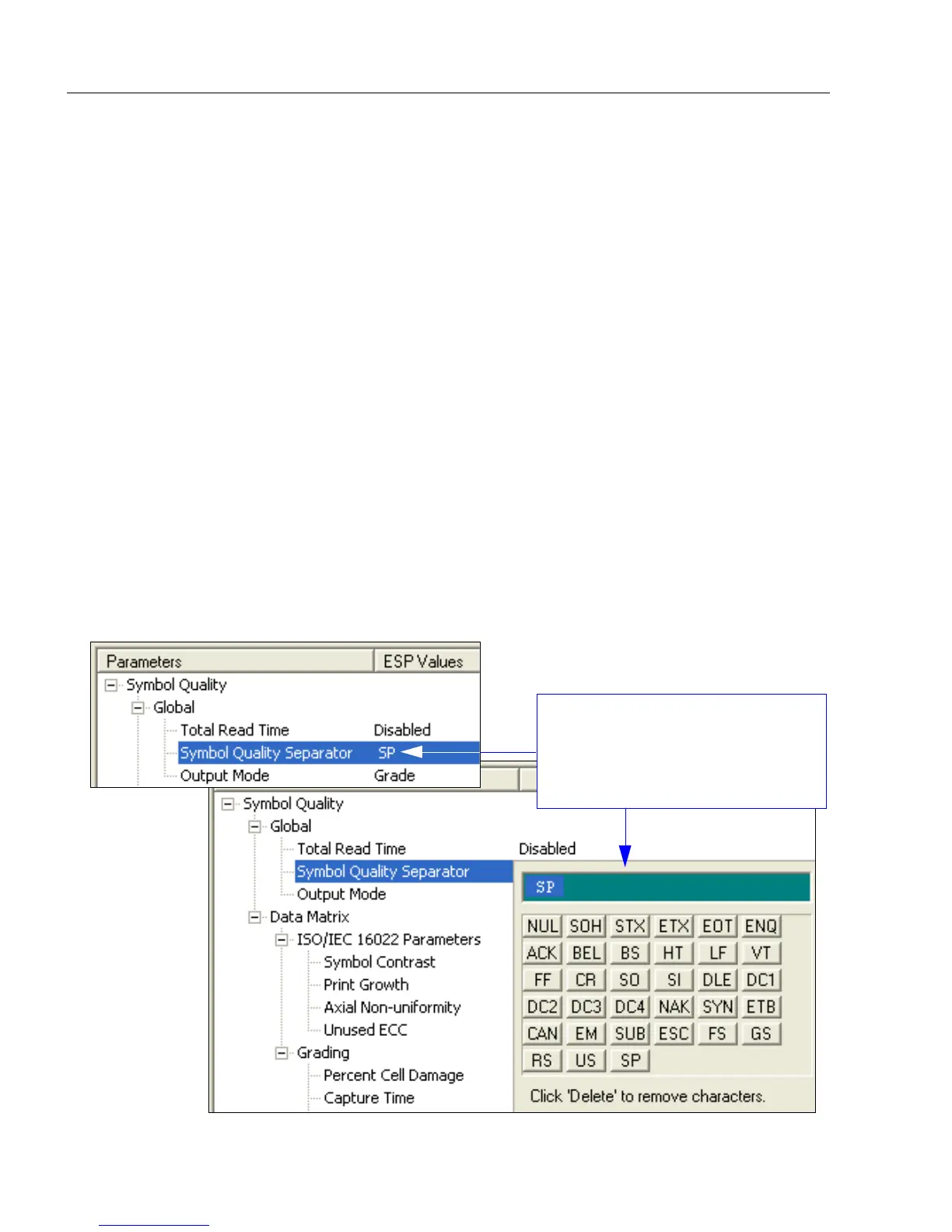
Symbol Quality Separator by ESP
Definition:
Inserts a separator between each enabled field of the symbol quality output.
Serial Cmd: <K708,symbol quality separator,output mode>
Default: <SP> (space character)
Options: Any ASCII character.
When you double-click on the
default separator SP, the Symbol
Quality Separator Calculator
appears. Use the calculator keypad
for one-click separator configuration.



 To Next Page