MINI Hawk High Performance Imager User’s Manual 7-25
I/O Parameters
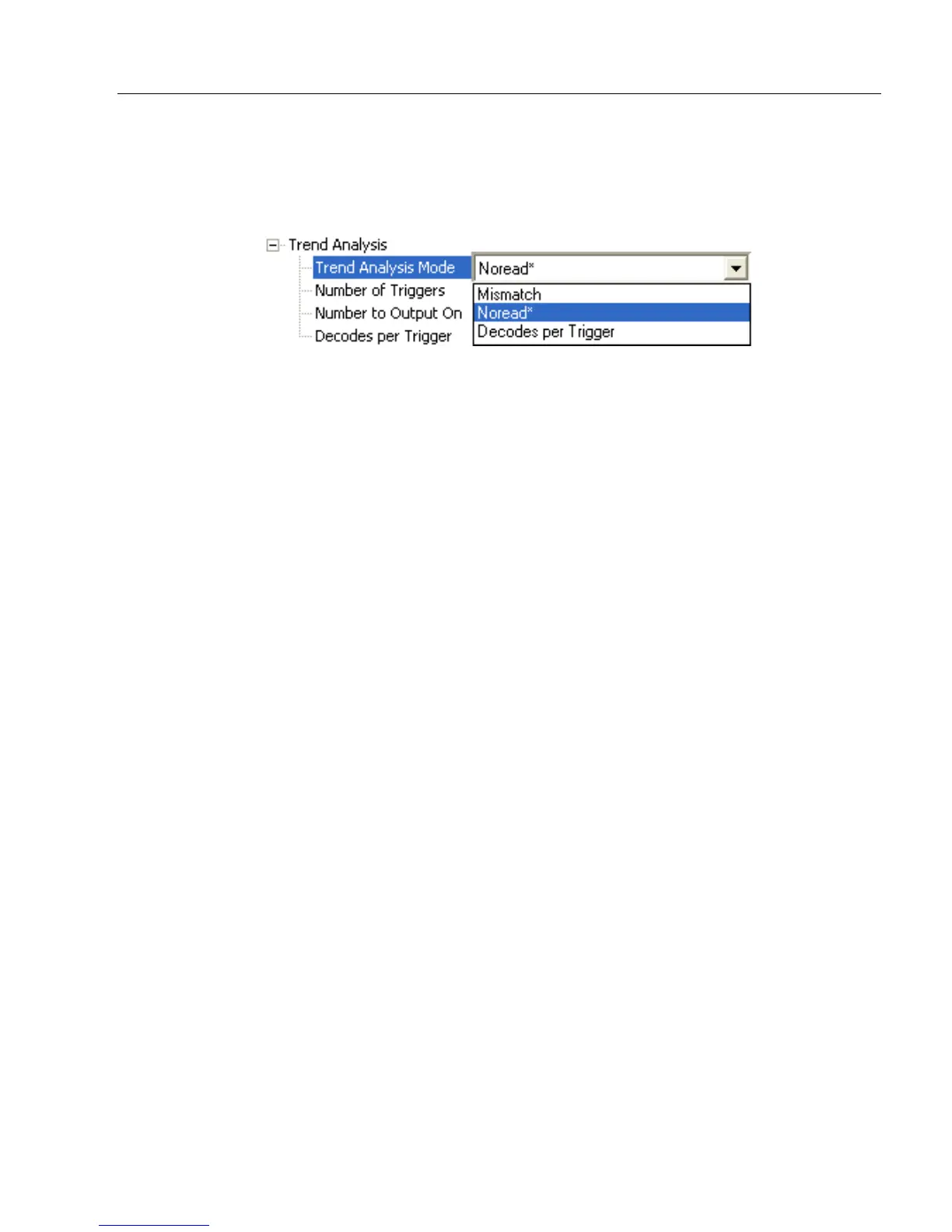
Trend Analysis Mode
Mismatch
Output will be activated when the number of mismatches equals the value entered for
Number to Output On within the trigger window selected in Number of Triggers.
No Read
Output will be activated when the number of No Reads equals the value entered for
Number to Output On within the trigger window selected in Number of Triggers.
Decodes per Trigger
Output will be activated when the number of decodes equals the value entered for
Number to
Output On
within the trigger window selected in
Number of Triggers
.
Definition: Sets the trend condition (Mismatch, No Read, or Decodes per Trigger)
that will activate the output.
Serial Cmd:
<
K780,trend analysis mode
,trigger evaluation period,number to output on,
decodes per trigger threshold>
Default: No Read
Options: 0 = Mismatch
1 = No Read
2 = Decodes per Trigger



 To Next Page