6-40 MINI Hawk High Performance Imager User’s Manual
Narrow Margins/Symbology Identifier
Symbology Identifier
Explanation of Modifiers for Code 39, Codabar, and Interleaved 2 of 5
• For Code 39, Codabar, and I-2/5, the modifier indicates Check Character and Check
Character Output status.
• For Code 39 only, Full ASCII must be enabled to see modifiers 4, 5, and 7.
Example: ]A5 indicates a Code 39 symbol with Check Character and Check Character
Output enabled and Full ASCII conversion performed.
Explanation of Modifiers for Other Symbologies
• For Code 128, a 1 indicates EAN 128; otherwise the modifier is 0.
• For QR Code and Micro QR Code, a 0 indicates QR Code; a 1 indicates Micro QR Code.
• For Postal Symbologies, a 0 indicates POSTNET; a 1 indicates Japan Post; a 2 indicates
Australia Post; a 3 indicates PLANET; a 4 indicates Royal Mail; a 5 indicates KIX; a 6
indicates UPU (56-bar); a 7 indicates UPU (75-bar); and an 8 indicates USPS4CB.
Example: ]Y0 indicates a POSTNET symbol.
• For all other symbologies, the modifier is 0.
Definition: Symbology Identifier is an ISO/IEC 16022 standard prefix set of characters
that identifies the symbol type.
When enabled, the imager analyzes and identifies the symbology and adds
a three-character identifying prefix to the data:
•
]
(closed bracket character) indicating the presence of a symbology identifier.
• A, C, E, F, G, I, L, Q, Y, b, d, e, p, z
• (A = Code 39; C = Code 128; E = UPC/EAN; F = Codabar; G = Code
93; I = I-2/5; L = PDF417 and MicroPDF417; Q = QR Code and Micro
QR Code; Y = Postal Symbologies; b = BC412; d = Data Matrix; e = GS1
DataBar (RSS); p = Pharmacode; z = Aztec; Z = Non-Bar Code)
• Modifier
Example: ]d indicates a Data Matrix symbol.
Serial Cmd: <K450,narrow margins,symbology identifier status>
Default: Disabled
Options: 0 = Disabled 1 = Enabled
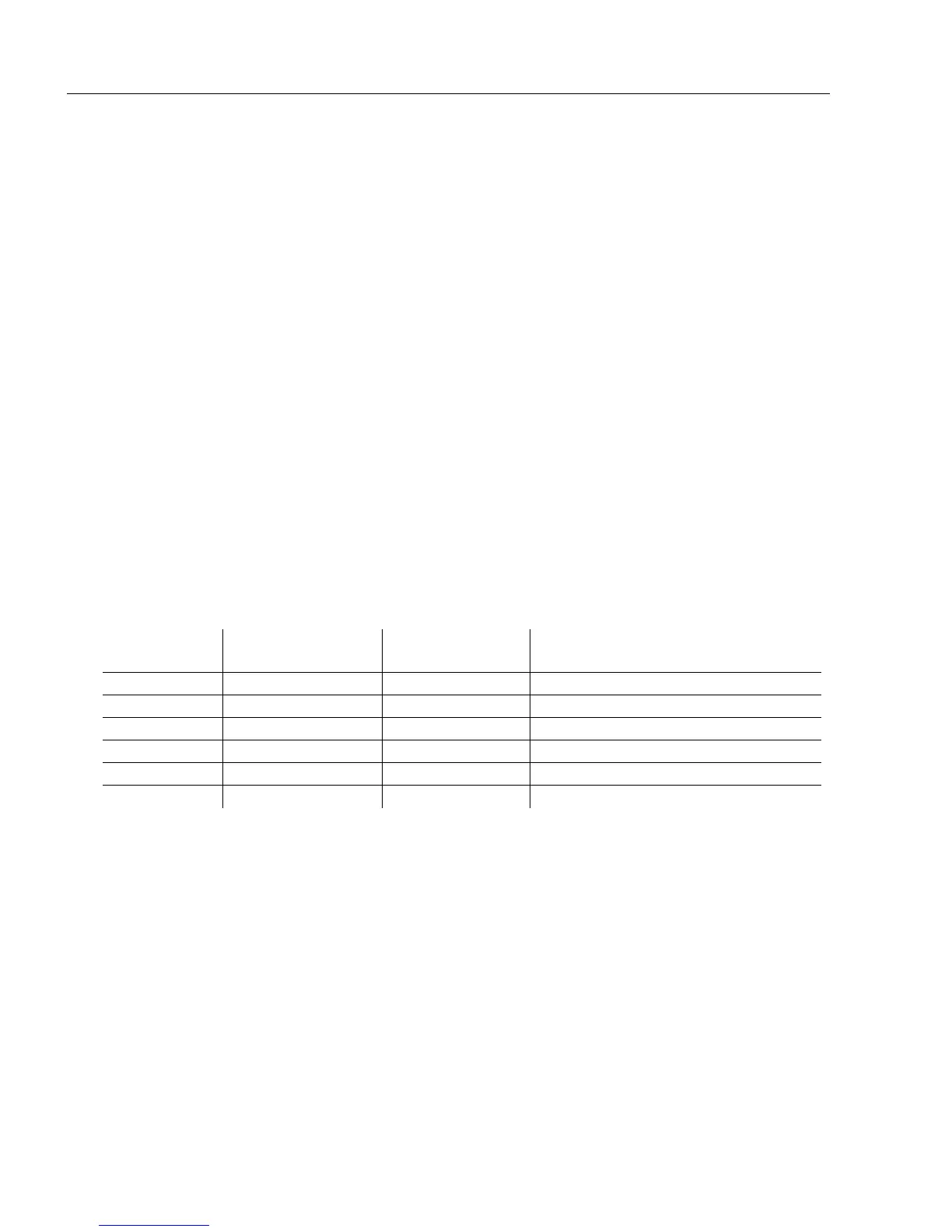
Modifier Check Character
Check Character
Output
Full ASCII conversion performed
(Code 39 only)
0 Disabled N/A No
1 Enabled Enabled No
3 Enabled Disabled No
4 Disabled N/A Yes
5 Enabled Enabled Yes
7 Enabled Disabled Yes



 To Next Page