1-8 MINI Hawk High Performance Imager User’s Manual
Select Protocol and Connect (cont.)
Step 6 — Select Protocol and Connect (cont.)
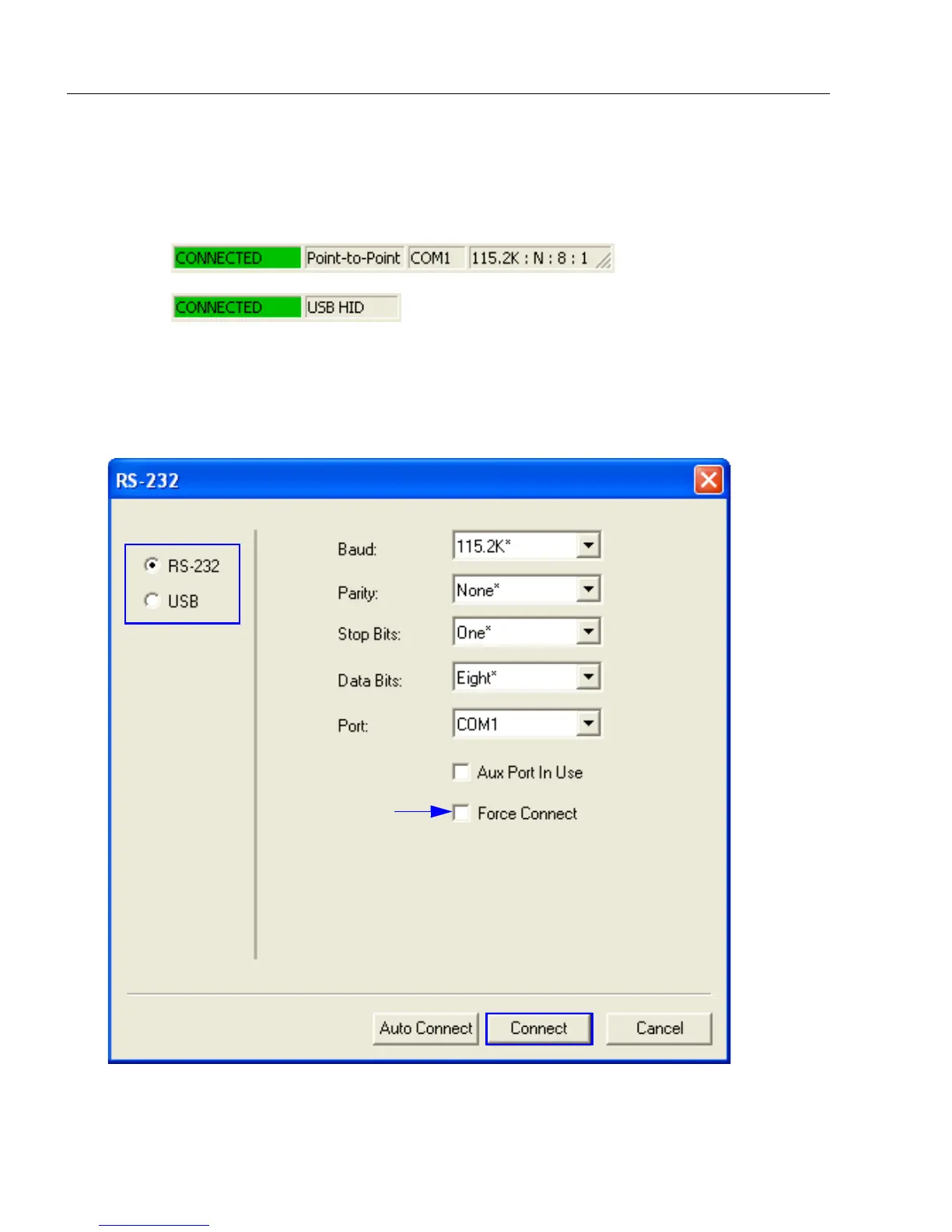
When you are connected, you will see the green connection indicator in the status bar at
the bottom right of your screen.
• If your RS-232 connection attempt fails, click the Autoconnect button, select a different
communications port, and try again.
Note: If your RS-232 host settings cannot be changed to match the imager’s settings,
check the
Force Connect
box in the
RS-232
dialog and click the Connect.



 To Next Page