1-10 MINI Hawk High Performance Imager User’s Manual
Locate the Symbol in the Field of View
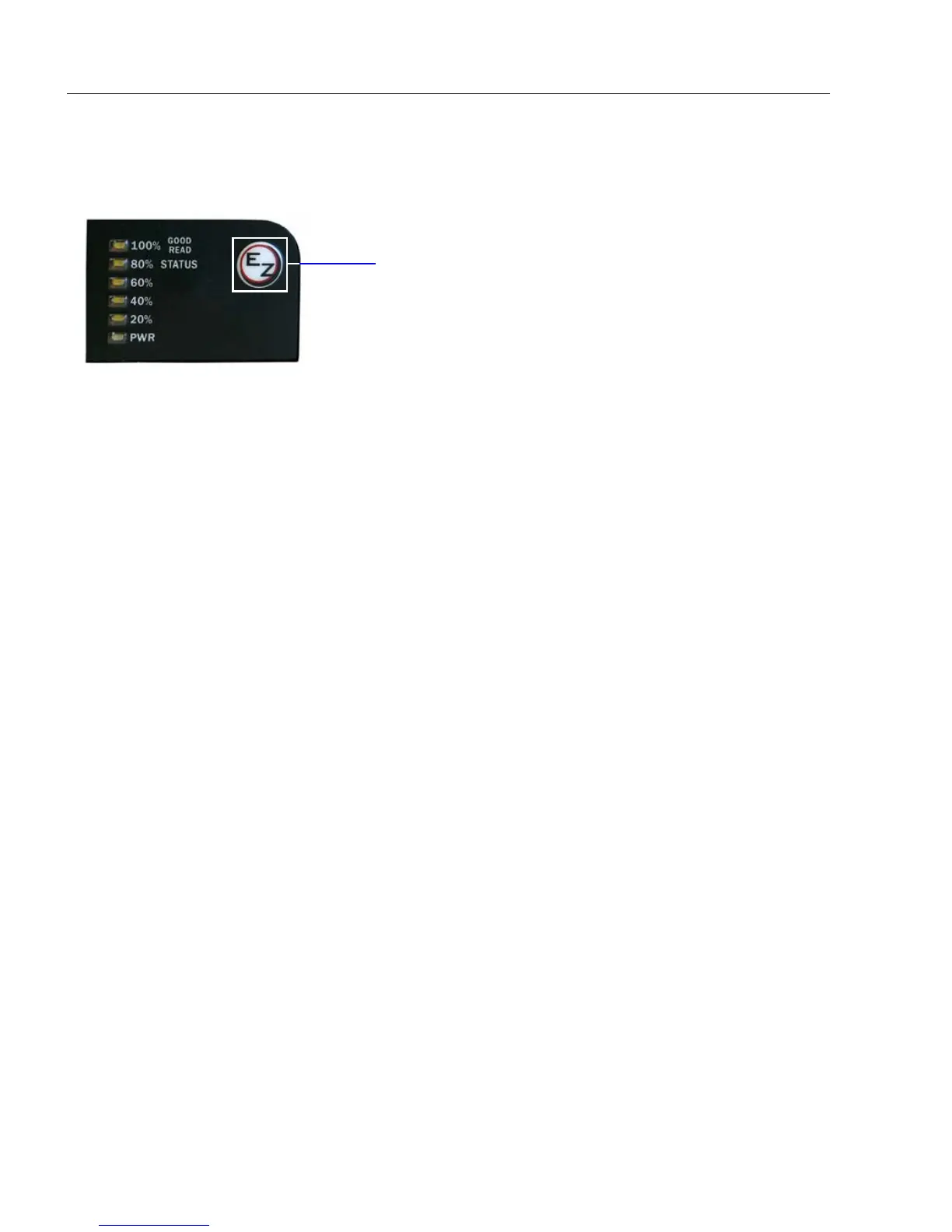
Locate by EZ Button
If you are not connected to a host computer, the EZ Button allows you to locate a symbol
in the imager’s field of view.
• Hold down the EZ Button for about one second and release when you hear one short
beep. The amber
20%
LED will illuminate, and you will see the blue target
pattern projected
from the front of the imager.
• Center the target pattern on the symbol.
Note: To end all EZ Button functions, press the EZ Button once and quickly release.



 To Next Page