MINI Hawk High Performance Imager User’s Manual 10-25
Camera and IP Setup
Symbol Direction
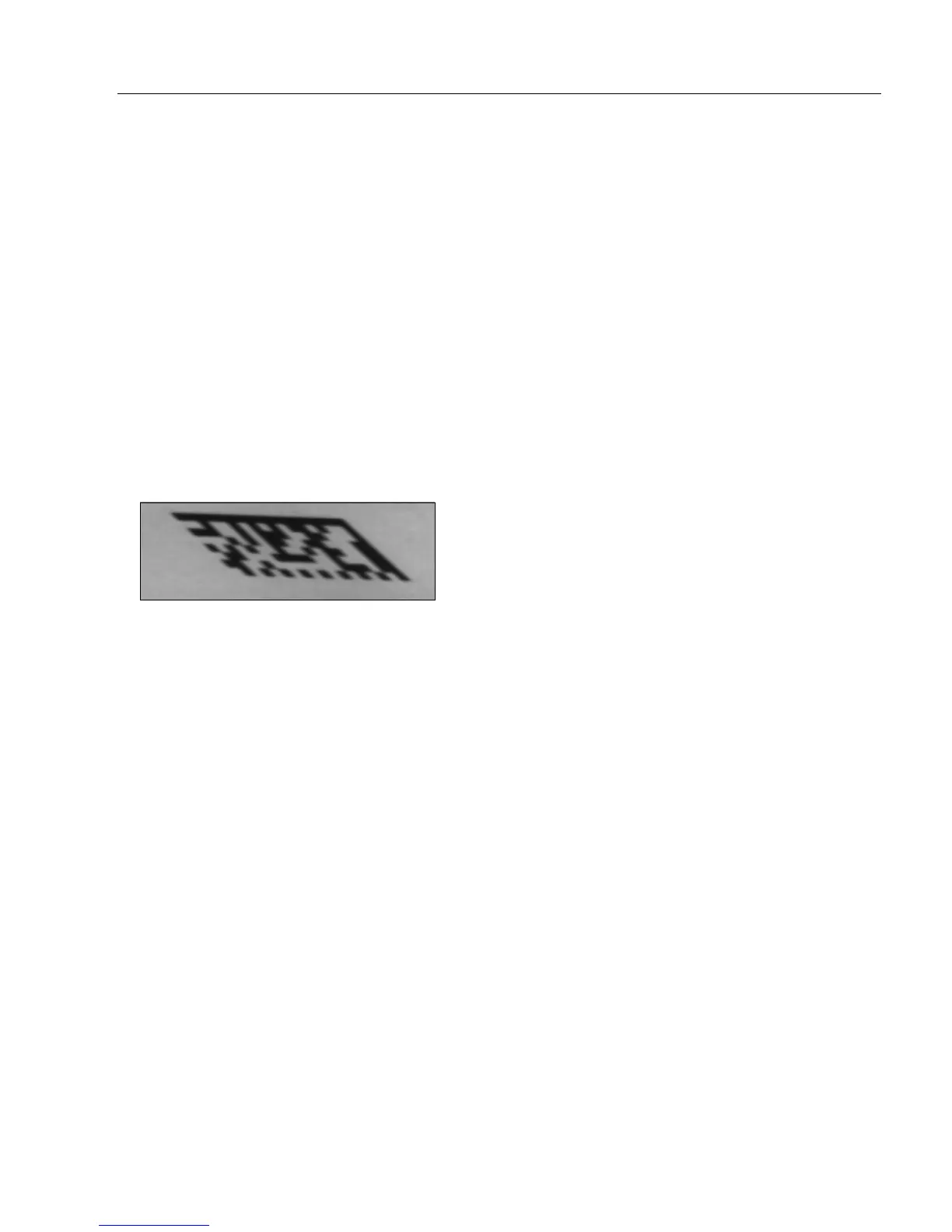
If a symbol enters the field of view from the left, it will be skewed as shown in the image
below. The image is processed from top to bottom, meaning that the top of the symbol is
captured first. The amount of skew is dependent on the speed at which the symbol moves
through the imager’s field of view. The symbol below was captured at a line speed of 40
inches per second.
Additional Notes on Skew Correction
• Autocalibration does not perform skew correction. It is assumed that during autocalibration
the symbol is stationary, so skew correction is not required.
• Images are corrected before they are processed. Therefore, if an image is still pending
at the end of the read cycle, it will not have been skew-corrected.
Definition: This feature specifies the direction the symbol is moving through the
imager’s field of view, or which side of the field of view the symbol will enter
first.
Note: Image captures of symbols entering the field of view from above or
below cannot be skew-corrected.
Serial Cmd: <K537,line speed,symbol direction>
Default: Right
Options: 0 = Right 1 = Left



 To Next Page