2-10 MINI Hawk High Performance Imager User’s Manual
Menu Toolbar
Preferences > Advanced Tab (cont.)
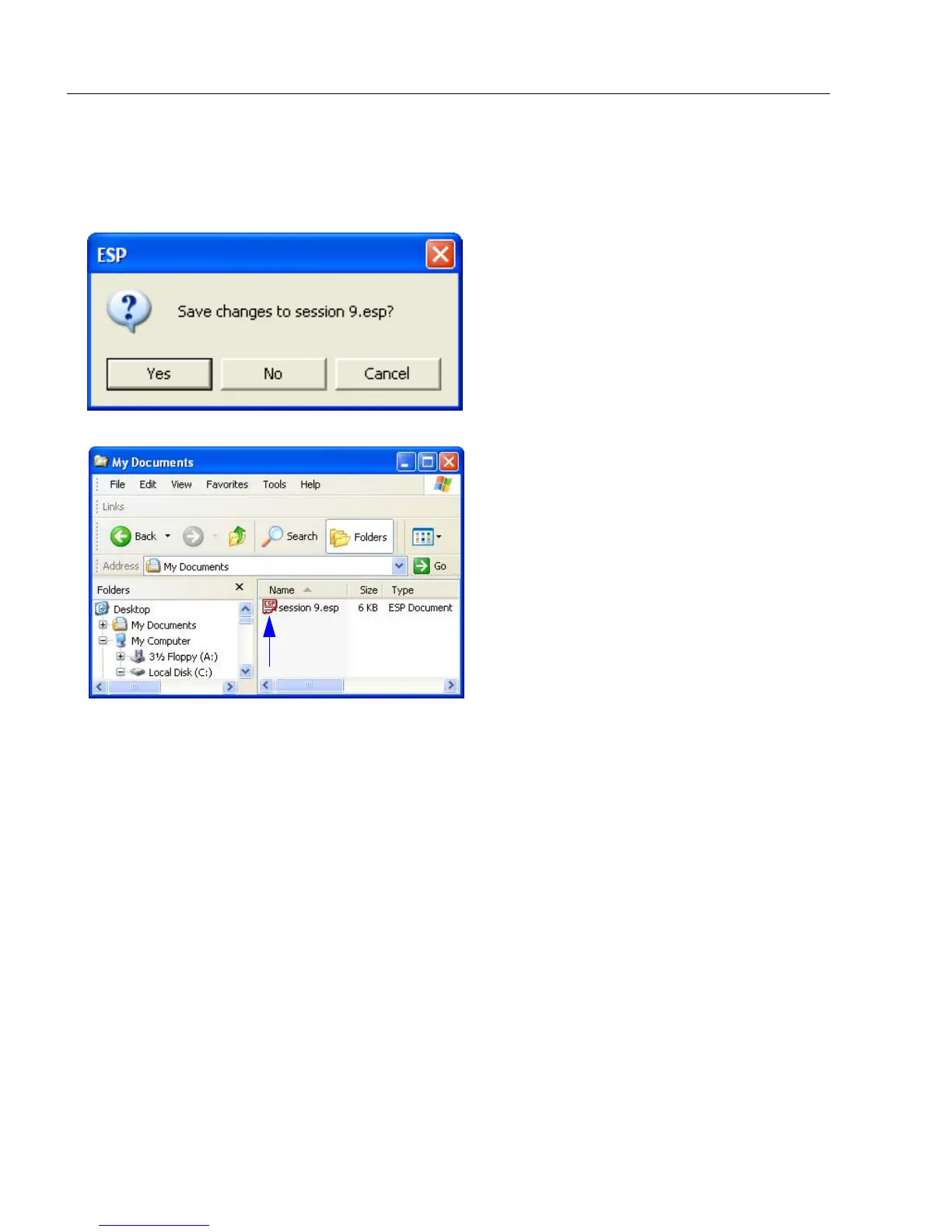
Ask to Save ESP File when Quitting
When enabled, prompts the user to save a .esp file when ending a session.
The .esp file will be saved in the location of your choice.
Connect to Readers via TCP/IP
When enabled, shows a TCP/IP option on the Connection Wizard.
Use Default Storage Location
When enabled, automatically stores data in ESP’s Application Data folder.



 To Next Page