MINI Hawk High Performance Imager User’s Manual 4-7
Calibration
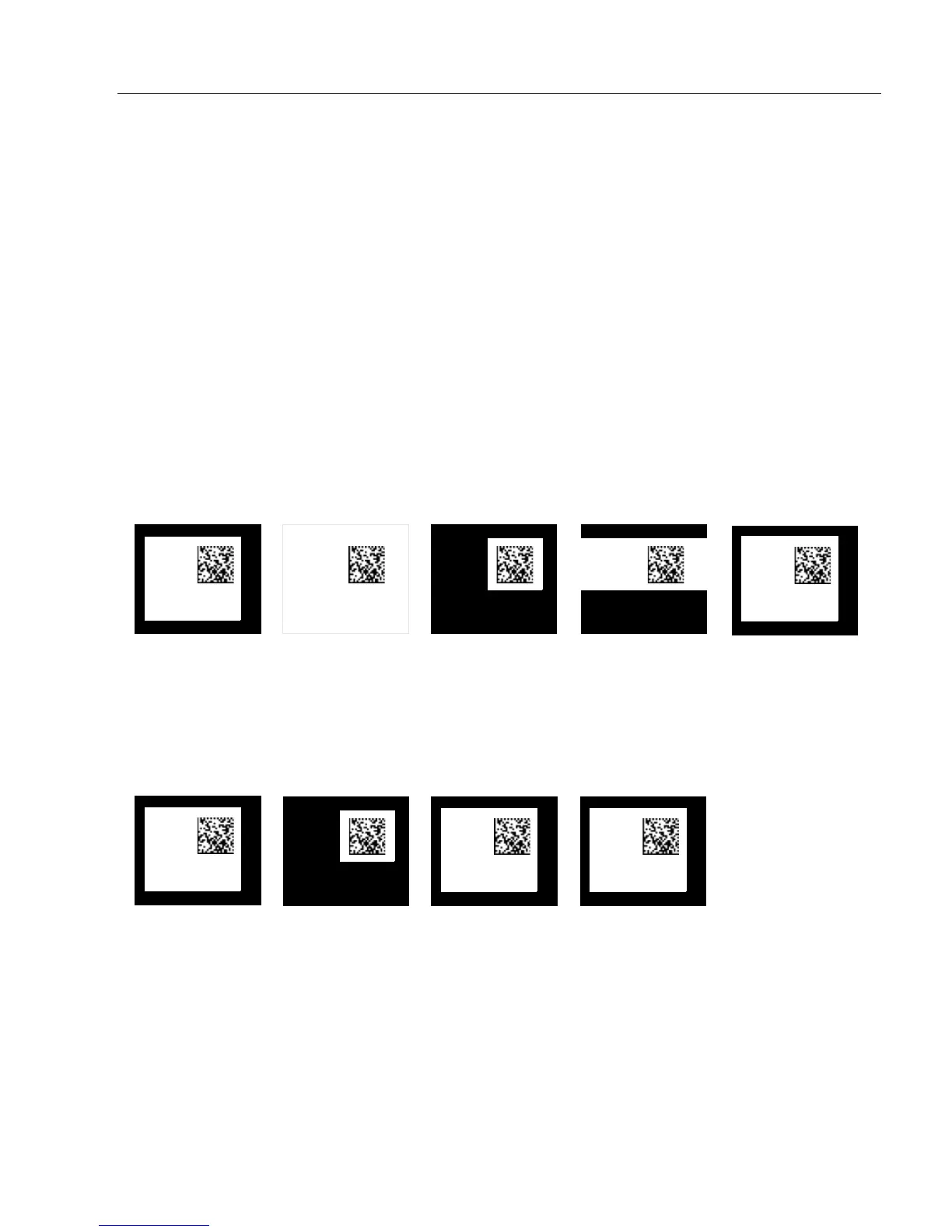
Window of Interest (WOI) Framing
If WOI framing is not enabled, the current WOI configuration will be used until a symbol
has been decoded. After a symbol is decoded, the WOI is framed exactly as it would be if
a WOI framing mode was enabled. When the calibration process is complete, the original
WOI configuration is restored. Refer to the diagram below:
Definition: If a WOI framing mode is enabled, it will set the camera WOI to a full-size
image when calibration begins. Once a symbol is decoded, the camera
WOI will be zoomed-in both vertically and horizontally (regardless of
which WOI mode is enabled) to include the symbol plus an additional
margin area. This is done to accelerate the calibration process.
When a successful calibration process is completed, the camera WOI
will be adjusted according to the mode enabled. Otherwise, the original
WOI configuration will be retained.
Serial Cmd: <K529,gain,shutter speed,focus position,symbol type,WOI framing,WOI
margin,line scan height,processing>
Default: Disabled
Options: 0 = Disabled 1 = Row and Column
2 = Row 3 = Column
4 = Straight Line 5 = Straight Line Framed
Configured WOI
Starting WOI
After Decode
Calibration Passed
Calibration Failed
Configured WOI
After Decode
Calibration Passed Calibration Failed



 To Next Page