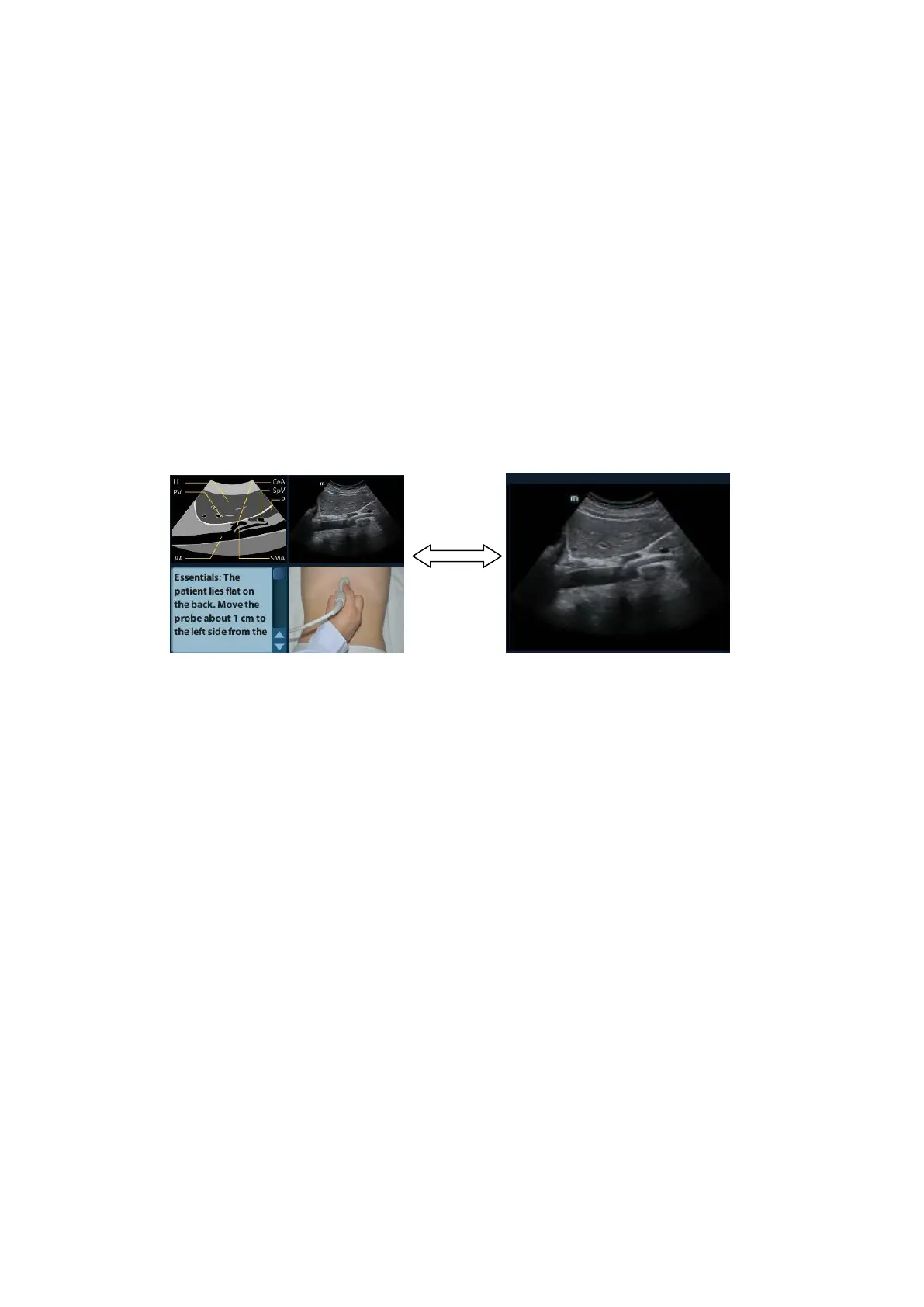
iScanHelper A-3
It is used to compare with images scanned by the operator.
⚫ Anatomic graphic
Related anatomical tissue information are provided here.
⚫ Scanning picture
Ordinary scanning tips can be observed here, including posture, probe mark, probe
swing/sweep techniques.
⚫ Scanning tips
You can read tissue related anatomical information and adjacent tissue information here.
A.4.3 Single/quad-window Display
You can zoom in the anatomic graphic, ultrasonic image as well as scanning picture to view
those information more conveniently.
Press <Cursor> to obtain the cursor. Move the cursor on the anatomic graphic, the ultrasonic
image or scanning tips. Double-click <Set> to go to the single window of each of them.
Double-click single window again to return to quad-window display.
A.5 Measurement, Comments, and Body
Mark
Switching probe or exam, measurement, comments and the body mark are unavailable
under iScanHelper status.



 To Next Page