11. Commissioning
MiR600 User Guide (en) 08/2021 - v.1.0 ©Copyright 2021: Mobile Industrial Robots A/S. 136
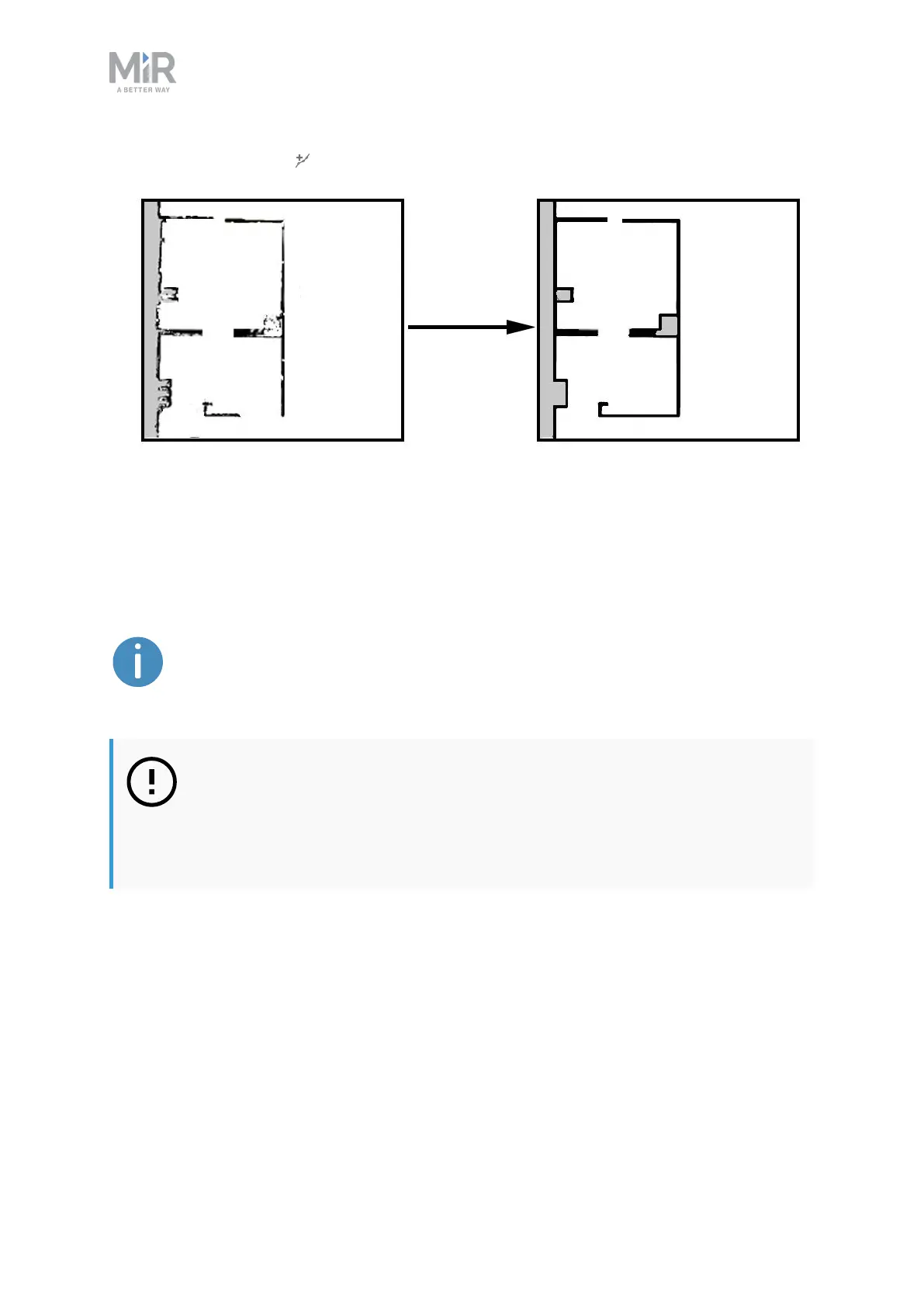
• Use Draw a new line when editing walls to create solid and even walls.
Adding zones to the map
Adding zones to the map helps organize robot traffic. There are several different zones that
can optimize the preferred paths and driving behavior of the robot.
For more information about what each zone does, see MiRRobot Reference
Guide on the MiR website, or ask your distributor for the guide How to use
zones on a map.
NOTICE
All zones are ignored when you drive the robot in Manual mode or when you
use a Relative move action (except when using Relative move actions in Limit-
robots zones).



 To Next Page