6. Getting started
MiR600 User Guide (en) 08/2021 - v.1.0 ©Copyright 2021: Mobile Industrial Robots A/S. 55
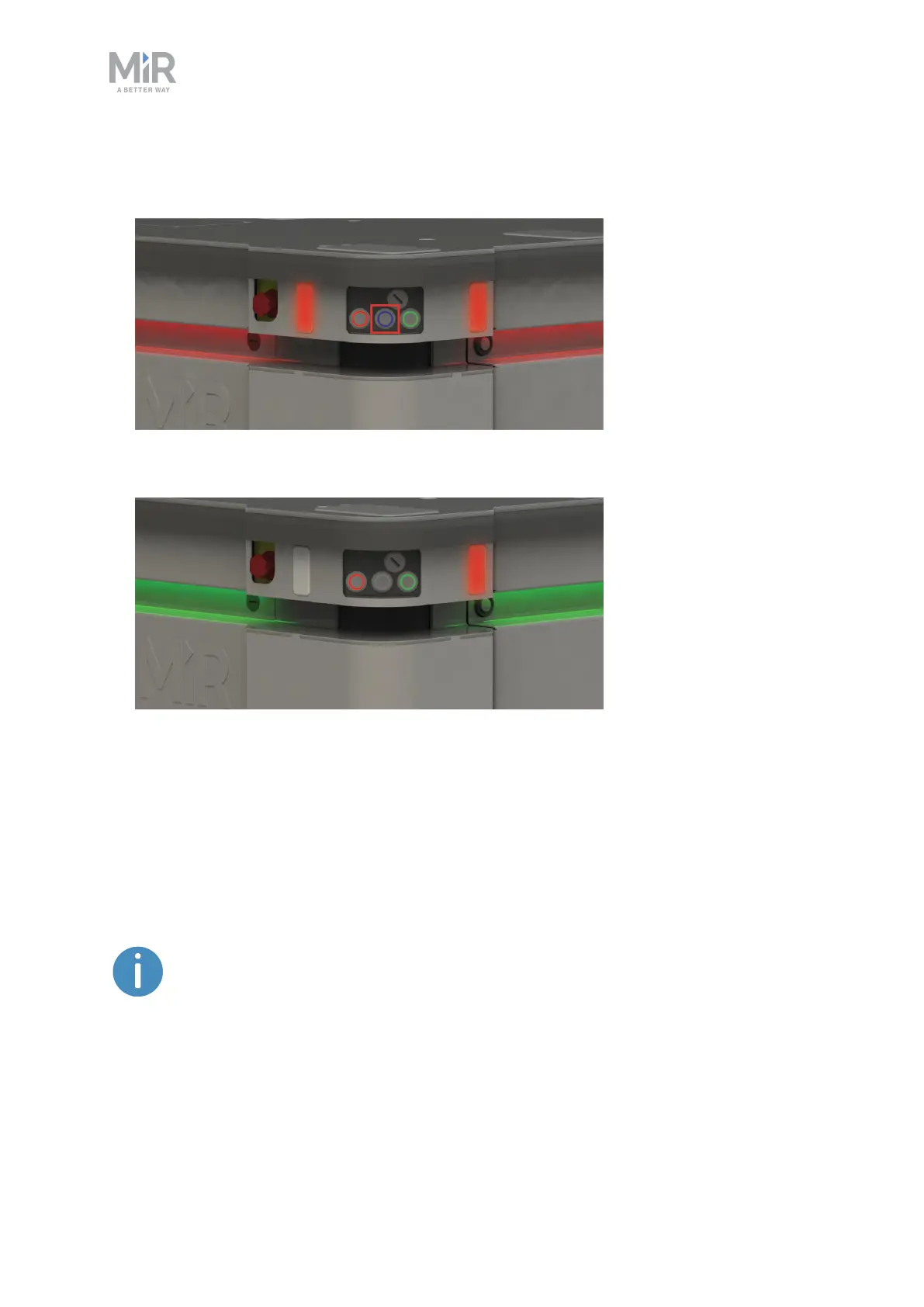
When the initialization process ends, the robot goes into Protective stop.
3. Press the Resume button to clear the Protective stop.
The robot is now ready for operation.
6.5 Connecting to the robot interface
When the robot is turned on, you can connect a PC, tablet, or phone to the robot's internal
network via the RJ45 Ethernet port under the bumper on the front-right corner shield of the
robot. Once connected, you can configure the robot's settings and connect it to a wireless
network.
You can purchase a WiFi access point dongle from MiR to be able to connect
to the robot wirelessly. Otherwise, you will need to use your own access point
or an Ethernet cable to connect to the robot.



 To Next Page