6. Getting started
MiR600 User Guide (en) 08/2021 - v.1.0 ©Copyright 2021: Mobile Industrial Robots A/S. 56
To connect to the robot interface, follow these steps:
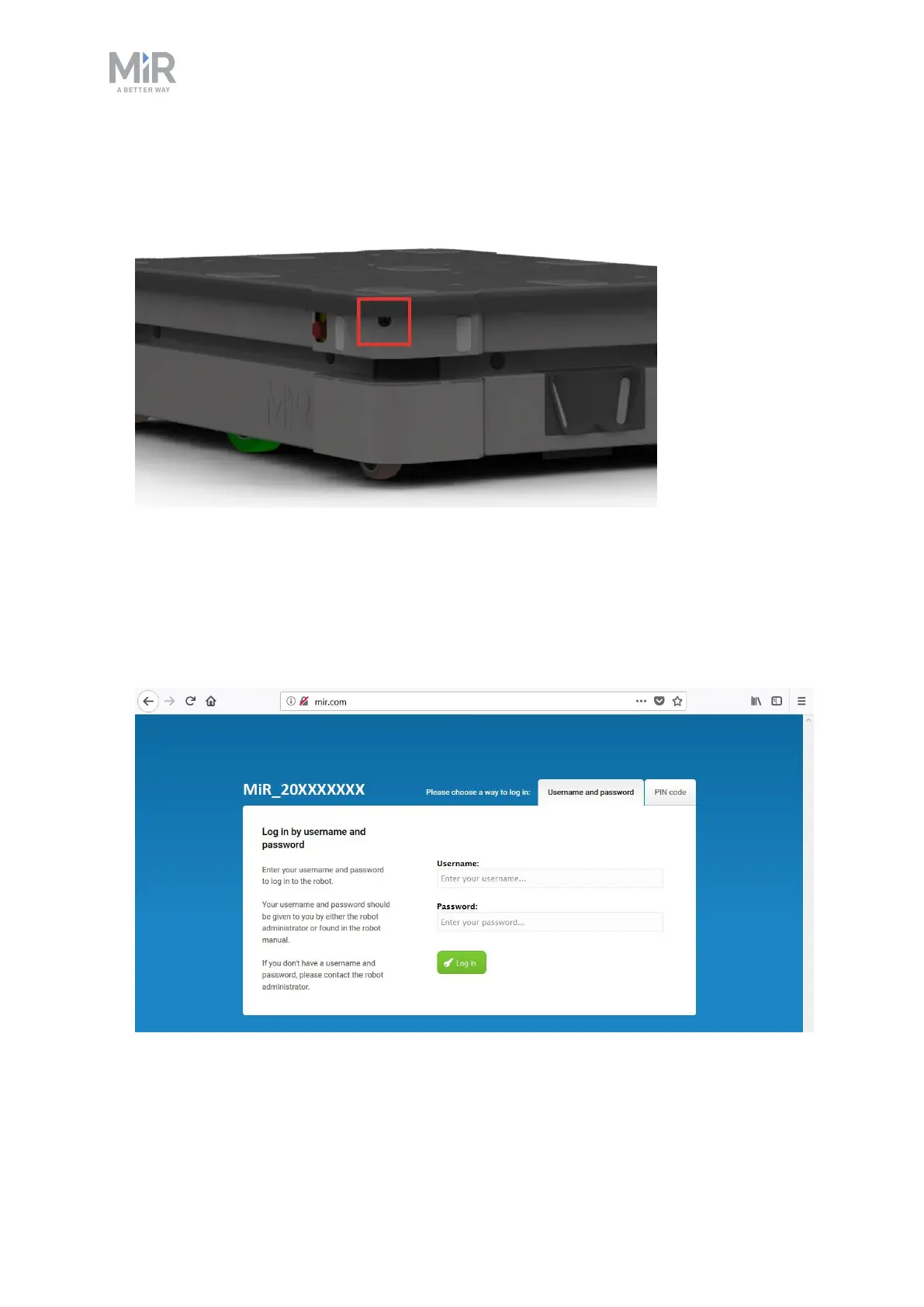
1. Locate the RJ45 Ethernet port under the bumper on the front-right corner shield of the
robot.
2. Connect theWiFi access point dongle to the Ethernet port for a wireless connection, or
connect your devicedirectly to the robot using an Ethernet cable.
3. If you are using an access point, connect your device to the access point. The MiR WiFi
dongle name has the following format: MiRXXXXXX.
4. In a browser, go to the address mir.com and sign in.
You are now signed in to the robot interface and can set up your robot for operation.



 To Next Page