6. Getting started
MiR600 User Guide (en) 08/2021 - v.1.0 ©Copyright 2021: Mobile Industrial Robots A/S. 58
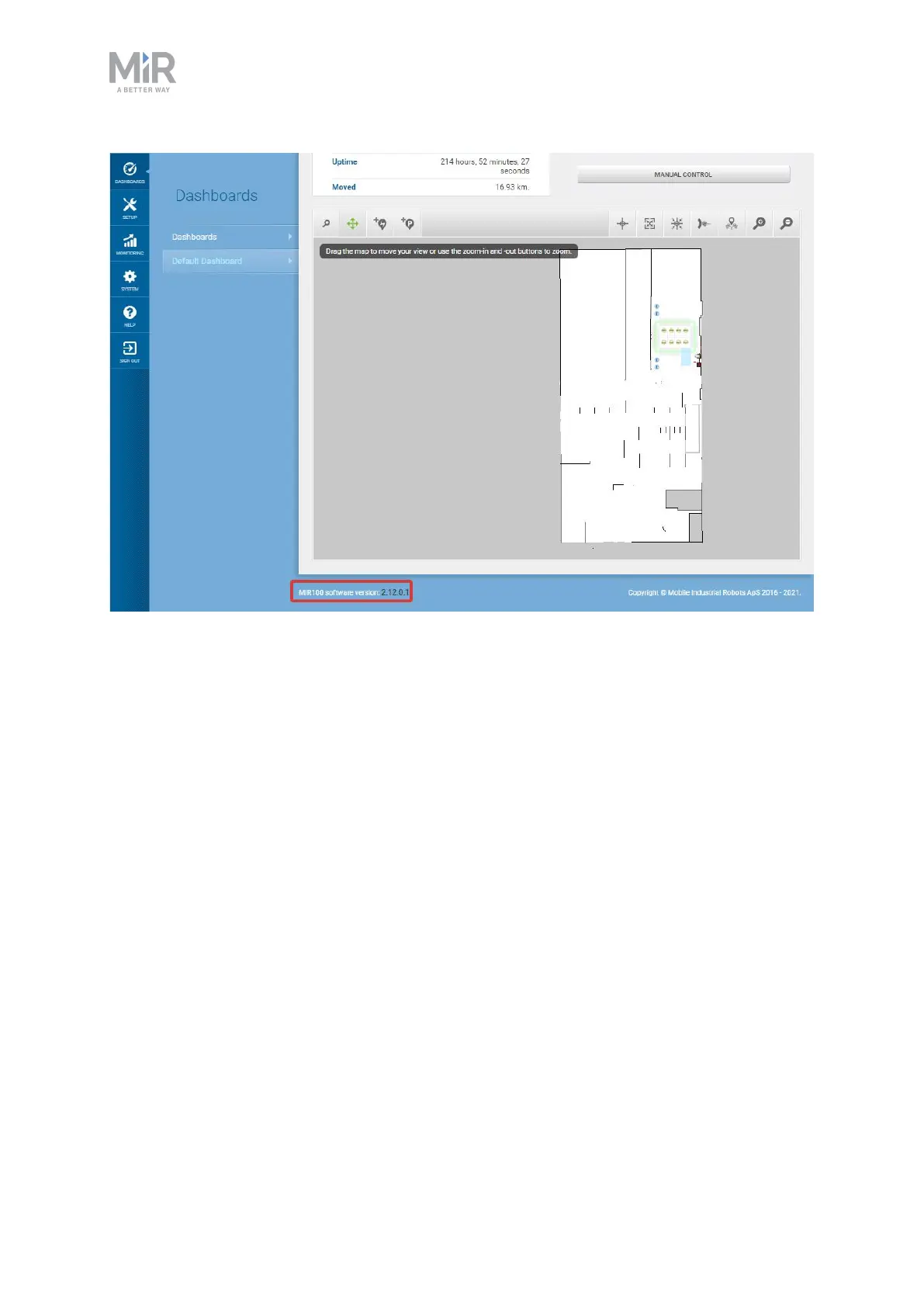
Figure 6.2. You can see the software version your robot is running in the bottom left corner of the robot
interface.
6.6 Connecting the robot to a WiFi network
To communicate with the robot wirelessly without connecting an access point, you can
connect the robot to your localWiFi network. This enables you to access the robot interface
via your WiFi network by entering the assigned IPaddress of your robot in a web browser.



 To Next Page