6. Getting started
MiR600 User Guide (en) 08/2021 - v.1.0 ©Copyright 2021: Mobile Industrial Robots A/S. 61
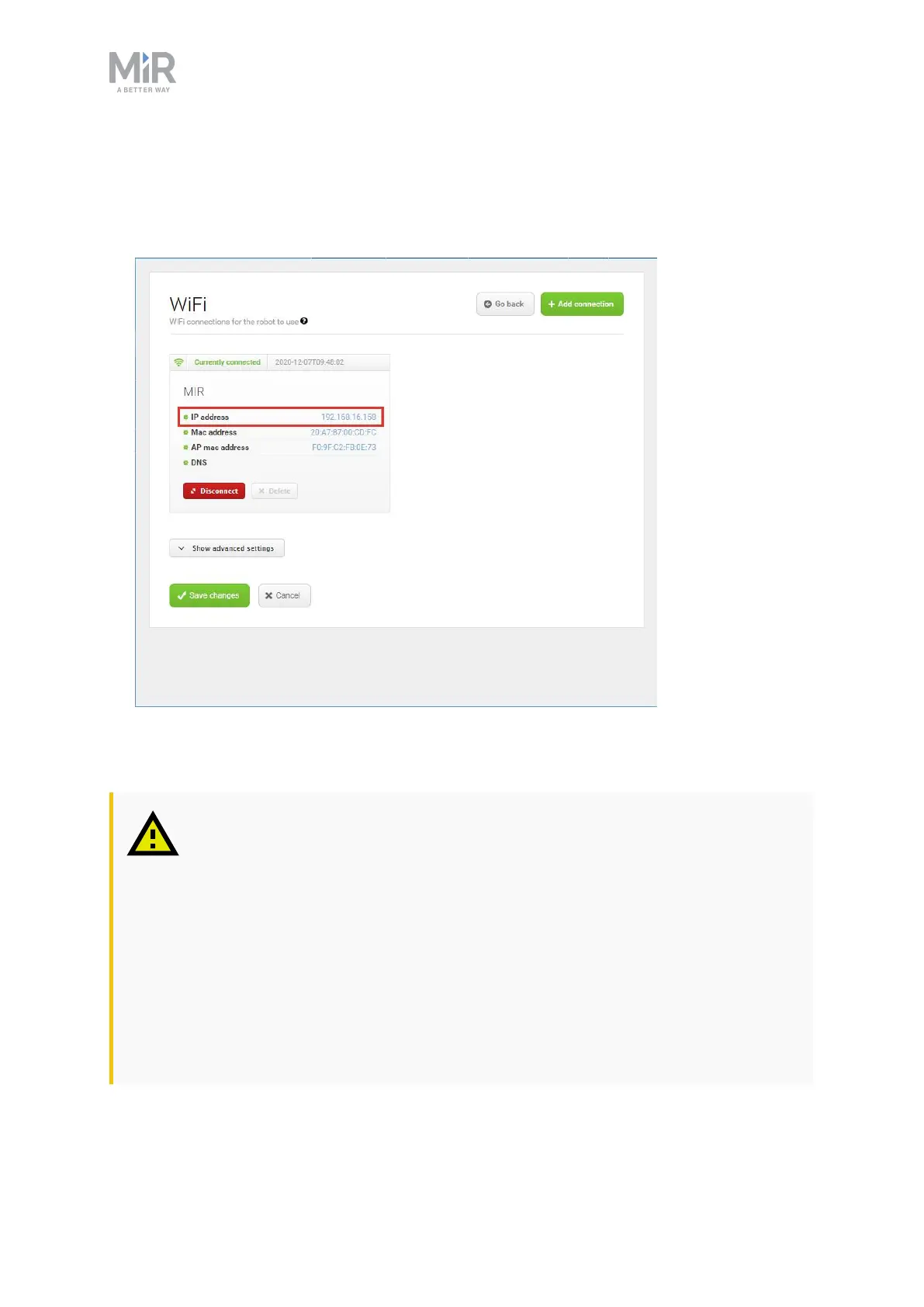
4. Select + Add connection when you have finished. The robot is now connected to the
network. When you are connected to the same network, you can access the robot's
interface by entering the IPaddress displayed under the connection description into your
internet browser.
6.7 Driving the robot in Manual mode
CAUTION
When driving the robot in Manual mode, it is possible to mute the Protective
fields and drive the robot into Forbidden zones and Unpreferred zones on the
map. This means that the robot will only stop when it is very close to an
obstacle and will not respond to zones on the map. This can result in injury to
personnel or damage to equipment if the robot is not driven carefully.
• Drive carefully to avoid collisions with any personnel or objects when
driving the robot in Manual mode.
• Avoid driving the robot manually without a clear visual of the robot.



 To Next Page