6. Getting started
MiR600 User Guide (en) 08/2021 - v.1.0 ©Copyright 2021: Mobile Industrial Robots A/S. 62
To drive the robot in Manual mode, follow these steps:
1. On the robot, turn the Operating mode key to Manual mode (turn it to the right).
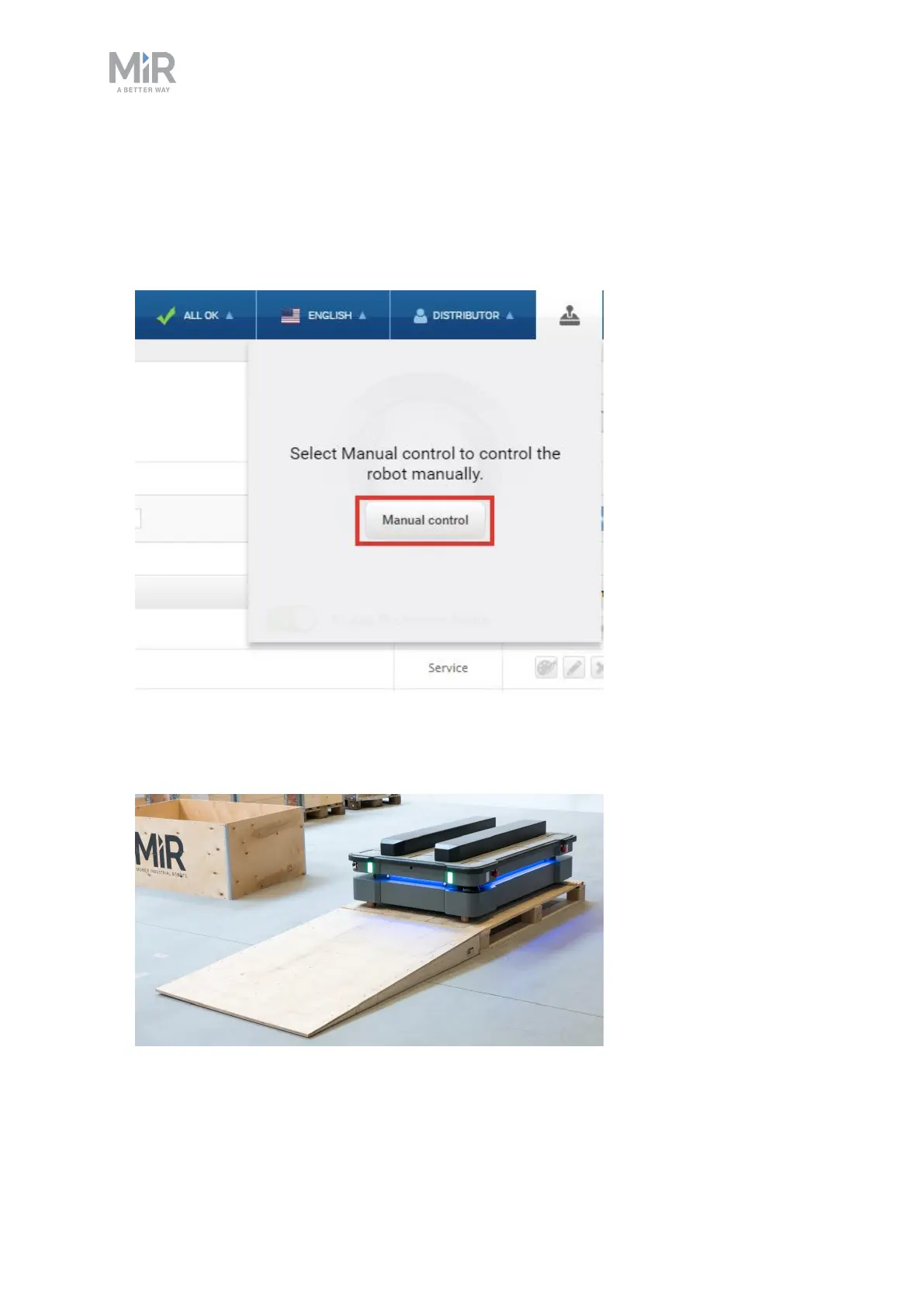
2. In the robot interface, select the joystick icon.
3. Select Manual control. The Resume button on the robot starts blinking.
4. On the robot, press the Resume button. The status lights turn blue, indicating that the
robot is in Manual mode.
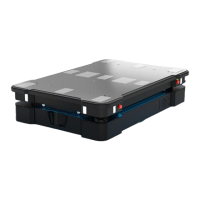
5. Drive the robot off the ramp using the joystick.


 To Next Page