6. Getting started
MiR600 User Guide (en) 08/2021 - v.1.0 ©Copyright 2021: Mobile Industrial Robots A/S. 54
6.4 Powering up the robot
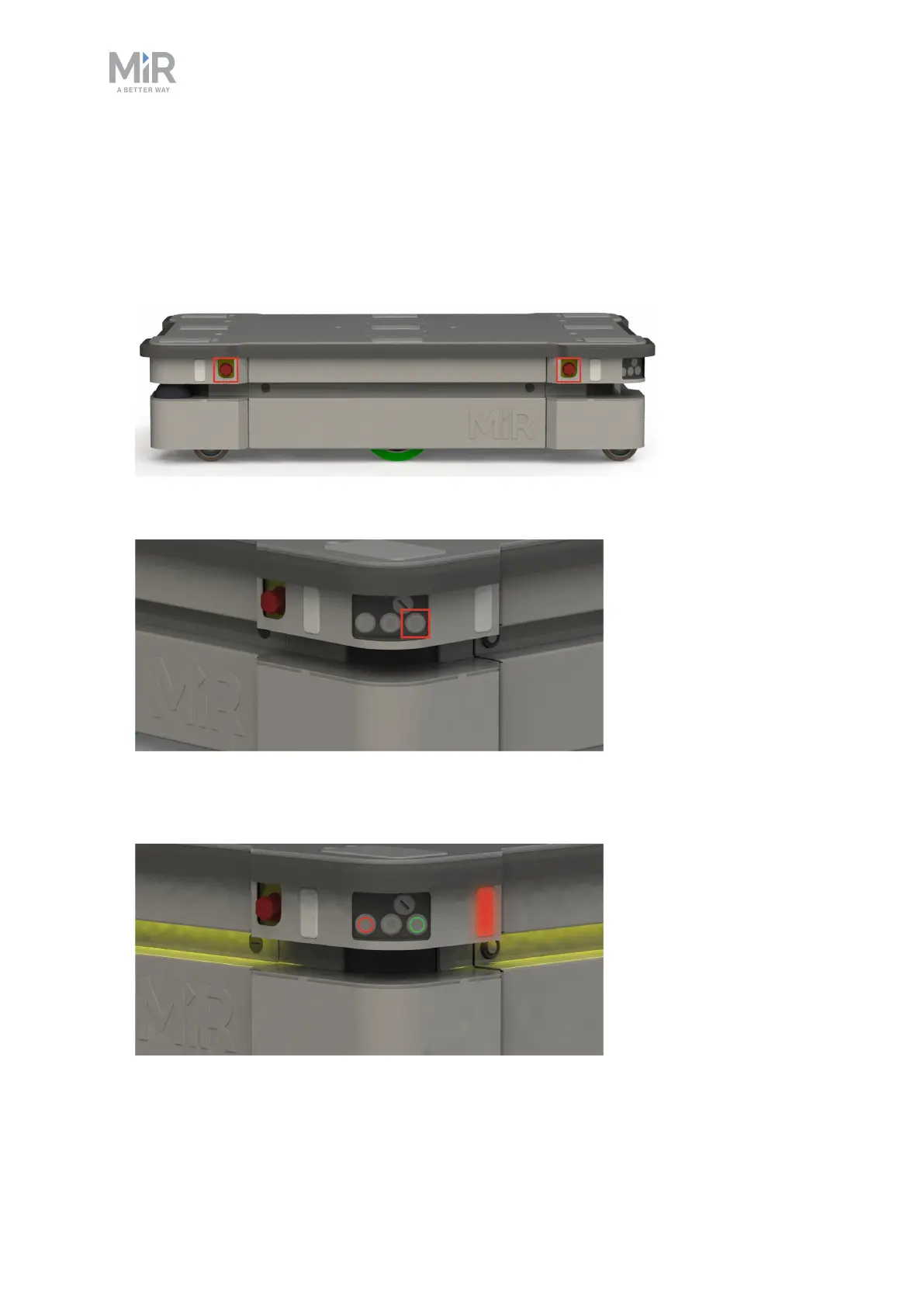
To power up the robot, follow these steps:
1. Ensure that all four Emergency stop buttons are in the released state. Turn an Emergency
stop button counter-clockwise to release it.
2. Press the Power button for five seconds.
The robot turns on the red signal lights and yellow wavering status lights and starts the
software initialization process.



 To Next Page