11. Commissioning
MiR600 User Guide (en) 08/2021 - v.1.0 ©Copyright 2021: Mobile Industrial Robots A/S. 148
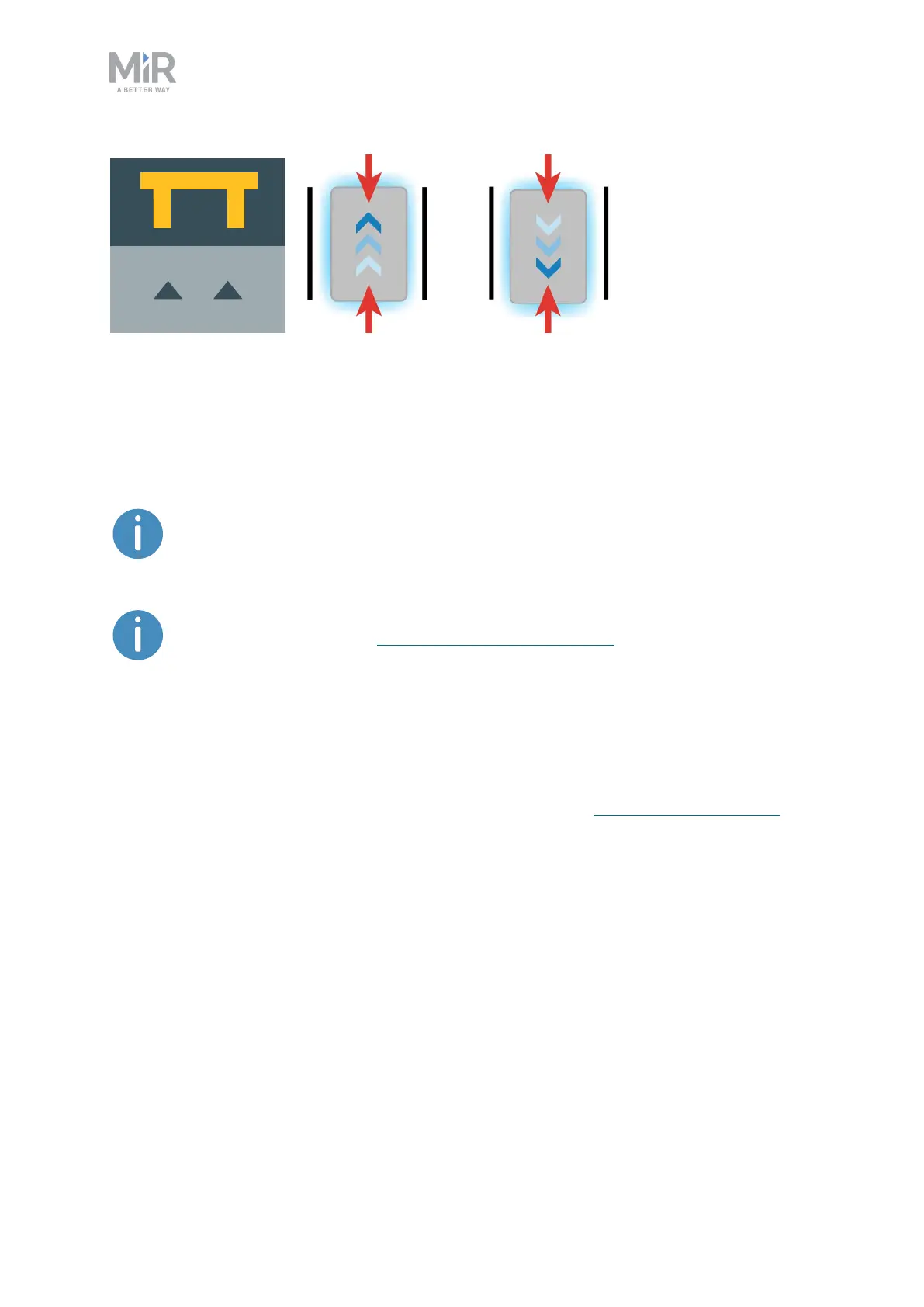
Figure 11.14. The icon used for Bar-markers in the interface and an illustration of how robots can dock to the
marker.
A few centimeters between all the types of markers should make docking possible.
Determine during commissioning if more space is required.
For further information on markers, contact your distributor for the guide How
to create and dock to V-markers, VL-markers, L-markers, and Bar-markers.
To create a marker, see Creating markers on page175.
11.5 Positions
Positions are defined as X-Y coordinates on a map that mark locations where you want the
robot to travel to. Positions mark a point on the map the robot travels to. To reach a
position, the robot must be correctly localized on the map—see Localization on page92.
Positions are used either as destination positions or as waypoints on a route that you want to
use in missions.With positions, the robot does not compare its position to a physical entity,
making them less accurate than markers.
Generally, positions are used to mark where robots should wait when they are idle, which
points robots must pass through along a route, or as destinations you often want to send the
robots to.
The final orientation of the robot is indicated by the arrow on the position icon.



 To Next Page