12. Usage
MiR600 User Guide (en) 08/2021 - v.1.0 ©Copyright 2021: Mobile Industrial Robots A/S. 201
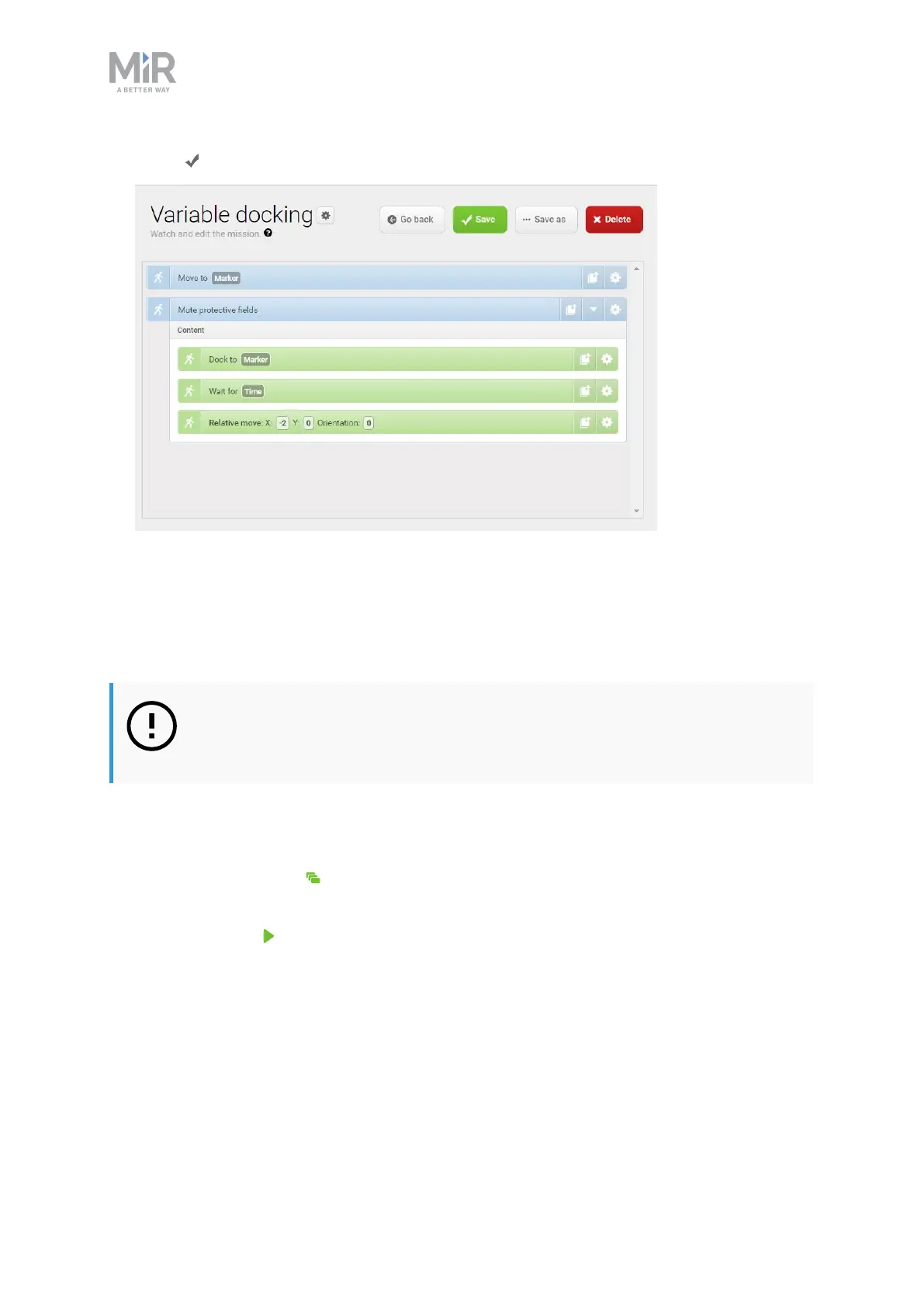
9. Select Save to save the mission.
12.6 Testing a mission
After you create a mission, always run the mission to test that the robot executes it
correctly.
NOTICE
Always test missions without load to minimize potential hazards.
To run a mission, follow these steps:
1. Go to Setup >Missions.
2. Select Queue mission next to the mission you want to run. The mission is now added to
the mission queue.
3. Select Continue to start the mission.
4. Watch the robot execute the mission, and verify that it performs as expected.



 To Next Page