7. Battery and charging
MiR600 User Guide (en) 08/2021 - v.1.0 ©Copyright 2021: Mobile Industrial Robots A/S. 71
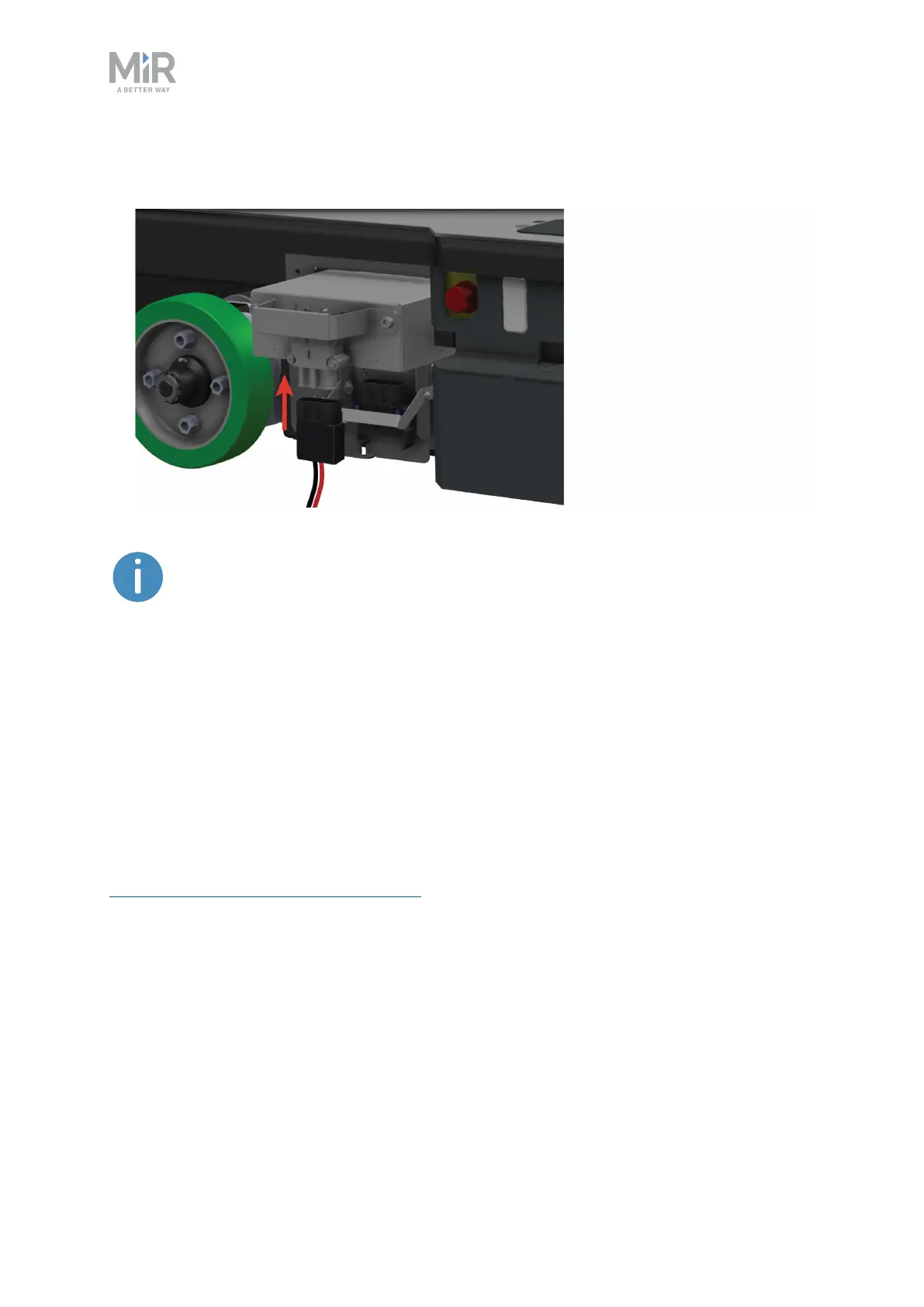
5. Connect the adapter from the cable charger directly to the battery connector. The
charger should begin humming once it starts charging the battery.
Use only an original MiR cable charger.
Once the robot has finished charging, reconnect the battery, and close the maintenance
hatch.
For information about the charging time, see specifications on the MiR website.
7.2 Disconnecting the battery
Whenever the robot is to be transported, undergo maintenance, or stored for over 24 hours,
you should always disconnect the battery.
The left side compartment holds the robot's battery. To access the side compartments, see
Accessing the internal parts on page39.
To disconnect the battery, pull out the Battery lock pin, and pull the Battery lever down to
the center position. The battery is still securely locked in the robot, but is no longer
connected electrically.



 To Next Page