7. Battery and charging
MiR600 User Guide (en) 08/2021 - v.1.0 ©Copyright 2021: Mobile Industrial Robots A/S. 70
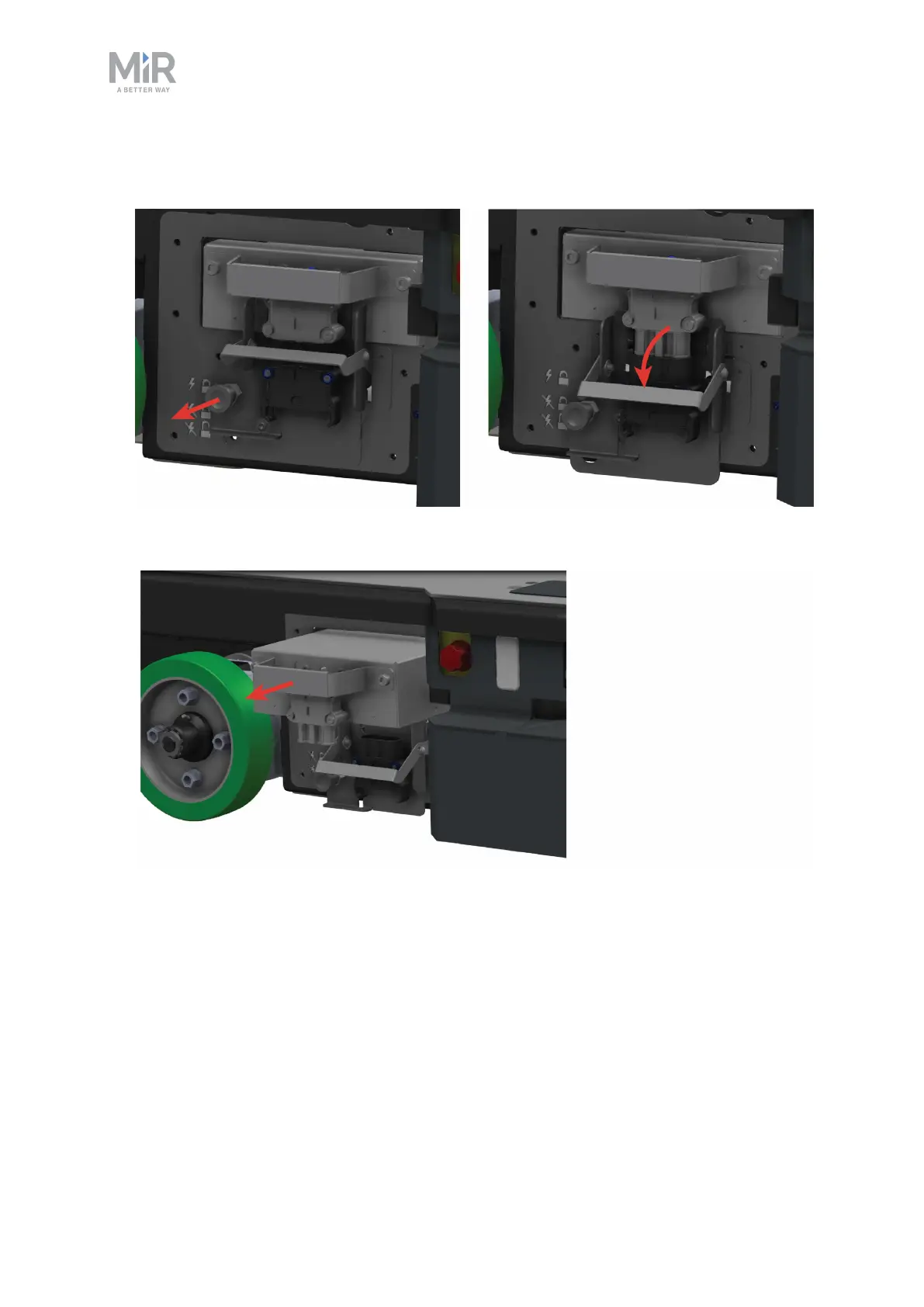
3. On the robot, pull out the Battery lock pin, and pull the Battery lever down to the bottom
position. The battery is now disconnected and unlocked.
4. Grab the handle, and pull the battery out approximately 10 cm.



 To Next Page