12. Usage
MiR600 User Guide (en) 08/2021 - v.1.0 ©Copyright 2021: Mobile Industrial Robots A/S. 183
12.3 Creating the mission Prompt user
Prompt user actions are used for prompting the user with a question on how the robot
should proceed. Prompt user is an example mission that uses a Prompt user action that lets
you choose whether to send the robot to one position or another.
Before you create the mission Prompt user, it is assumed that you have completed the
following:
• Created two robot positions named p1 and p2 as described in Creating positions on
page180.
• Defined a user group named Users.
To create the mission, follow the steps below:
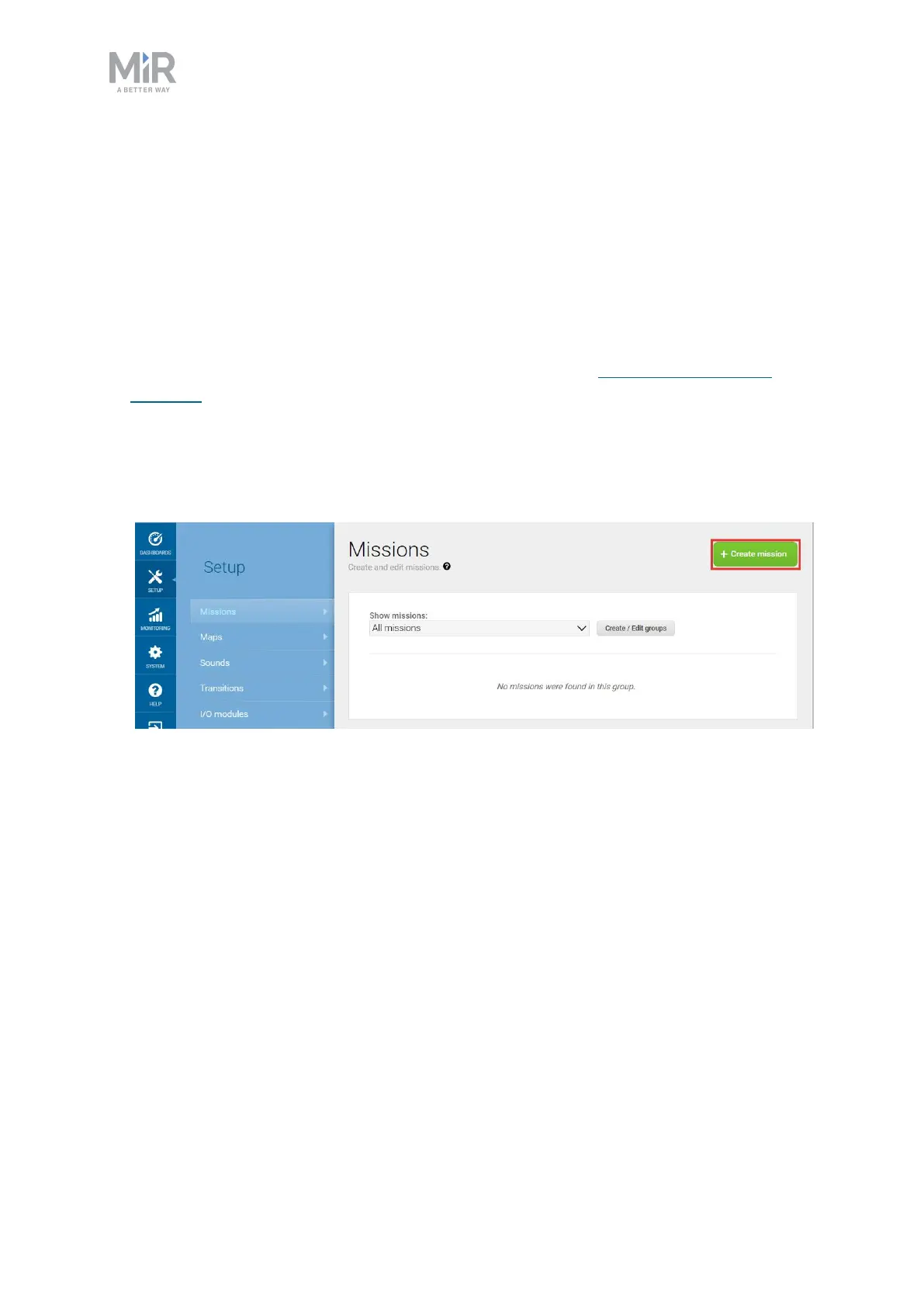
1. Go to Setup > Missions. Select Create Mission.
2. Name the mission Prompt user. Select the group and site you want it to belong to. Select
Create mission.



 To Next Page