11. Commissioning
MiR600 User Guide (en) 08/2021 - v.1.0 ©Copyright 2021: Mobile Industrial Robots A/S. 157
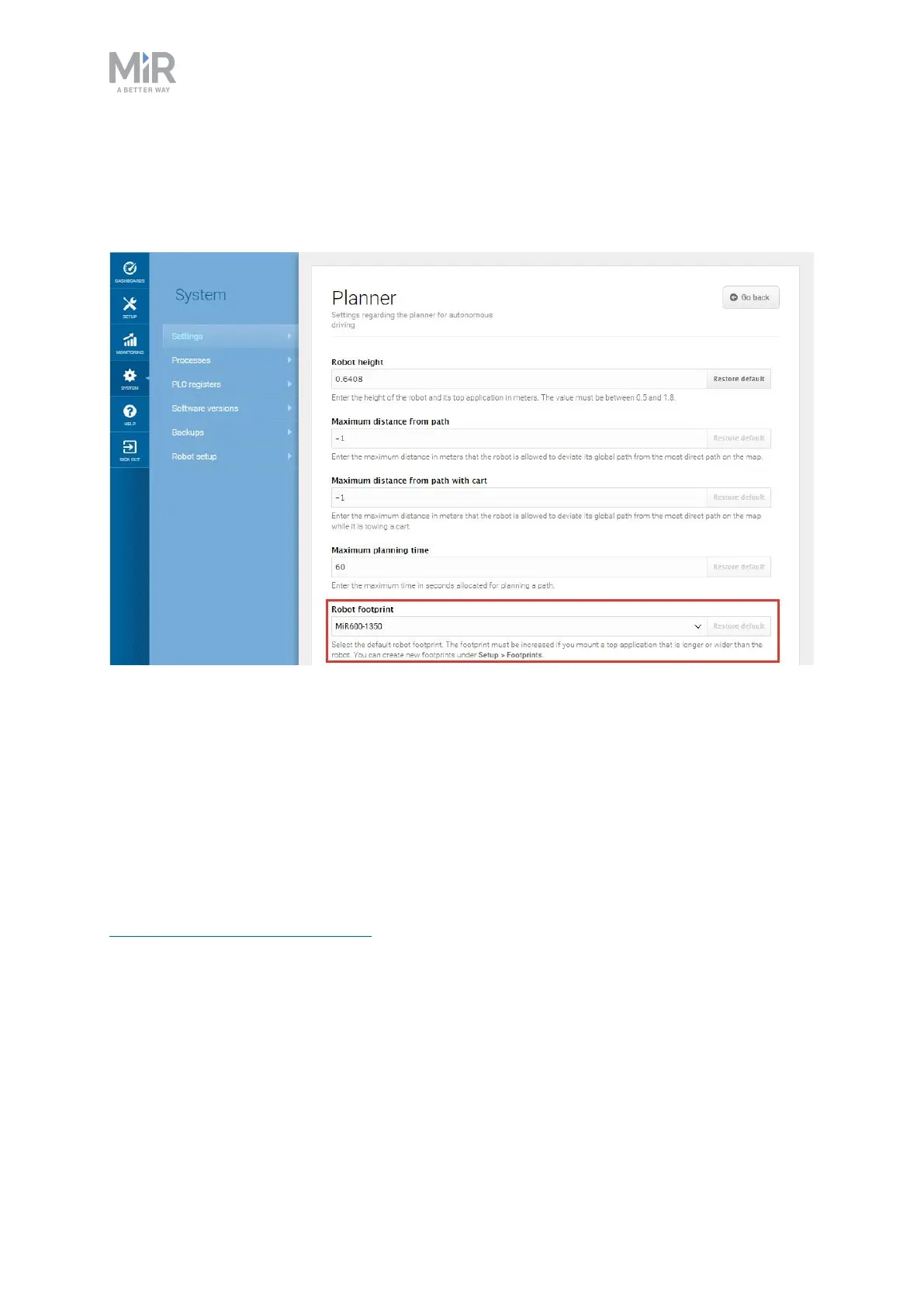
If you want to edit the default footprint of the robot, for example if the mounted top module
is larger than the robot, go to System>Settings >Planner, and select a new footprint under
Robot footprint.
11.8 Using operating hazard zones
Operating hazard zones are areas that must be visibly marked to comply with safety
standards in EN 1525 and ISO 3691-4. Personnel must be instructed to stay clear of operating
hazard zones when a robot is approaching.
Areas where the robot drives with muted Protective fields and areas with inadequate
clearance must be marked as operating hazard zones with signal tape or similar marking
material. For more information about when the robot mutes its Protective fields, see
Personnel detection on page102.
To create a sufficiently large operating hazard zone, the marking must be at least one meter
away from the potentially hazardous area in all directions.



 To Next Page