19. Error handling
MiR600 User Guide (en) 08/2021 - v.1.0 ©Copyright 2021: Mobile Industrial Robots A/S. 232
19. Error handling
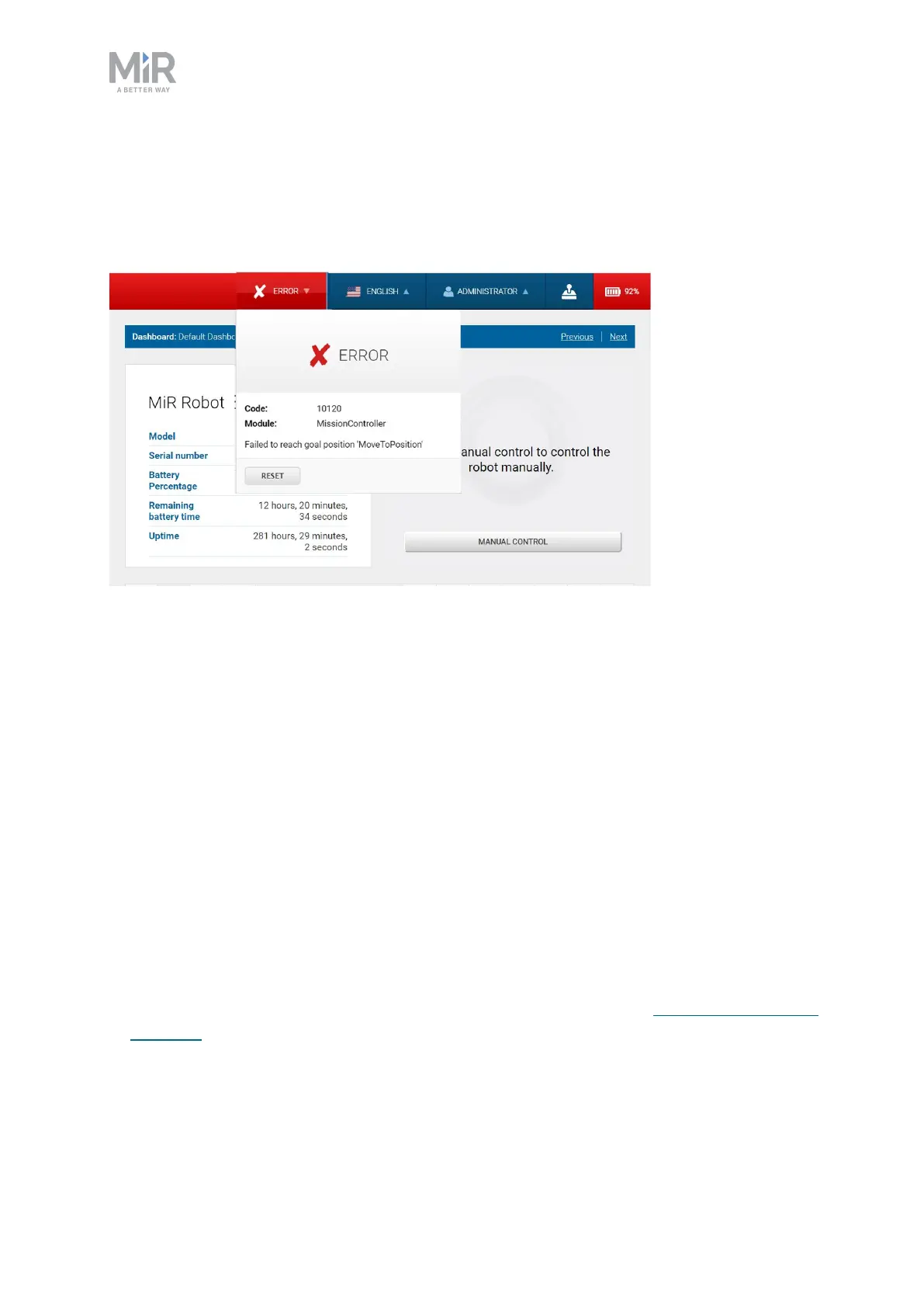
The robot enters an error state when it can't solve a problem on its own.
Errors include:
• Hardware faults
• Failed localization
• Failure to reach destination
• Unexpected events in the system
An error triggers a Protective stop. The robot is paused until a user acknowledges the error
and clears it.
19.1 Software errors
Software errors such as localization and failure to reach the goal destination can be
prevented with the proper setup of maps and missions:
• Always test your missions under full observation and normal work environment conditions
before leaving the robot to execute the missions autonomously—see Testing a mission on
page201.



 To Next Page