19. Error handling
MiR600 User Guide (en) 08/2021 - v.1.0 ©Copyright 2021: Mobile Industrial Robots A/S. 234
19.2 Hardware errors
If the error is a fault in the hardware, either you will not be able to clear it, or the error will
return until the fault is fixed. If this occurs, you can try to fix the issue with these actions:
• Turn your robot off and then on again. This resets the robot components and may resolve
the issue.
• Check that all Emergency stop buttons are released.
• Check your robot for any physical damage such as cracks, dents, or severe scratches or
contamination such as dust, dirt, and grease.Pay special attention to the 3D cameras,
safety laser scanners, and drive wheels.
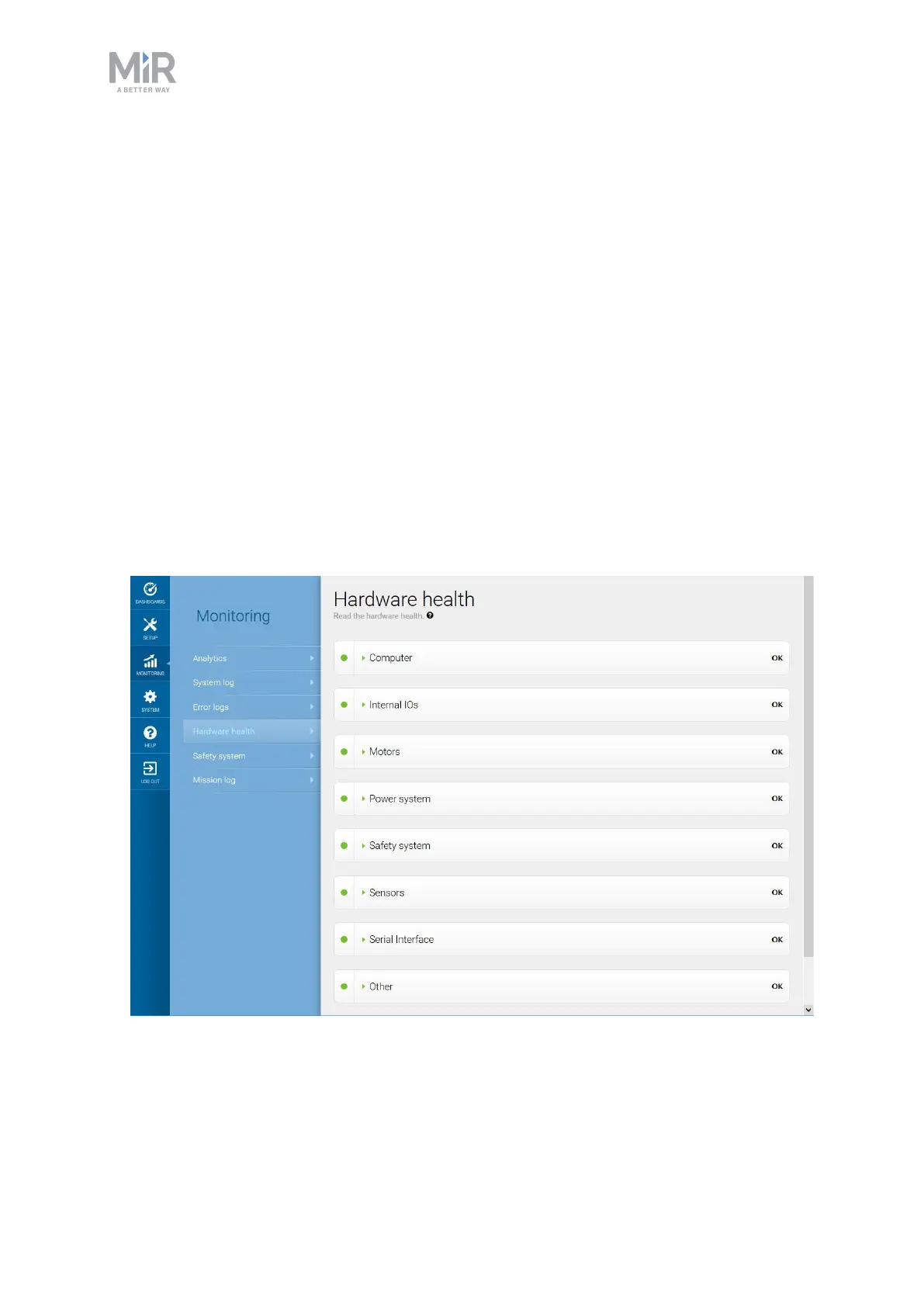
• Sign in to the robot interface and go to Monitoring >Hardware health. The interface
displays which component is failing and often for what reason. This can help identify the
source of the error. If an internal component is failing, turn off the robot, disconnect the
battery, and have the commissioner or operator visually check the internal component for
obvious faults.
Figure 19.1. The interface in Hardware health displays which component is failing and often for what reason.



 To Next Page