12. Usage
MiR600 User Guide (en) 08/2021 - v.1.0 ©Copyright 2021: Mobile Industrial Robots A/S. 176
Once the robot is localized, you can insert a marker on the map. In this example, we are
using a VL-marker . To create a marker, follow these steps:
1. Place your physical marker where you want the robot to dock.
2. Manually drive the robot to the marker so the robot is facing the marker. The correct
distance from the marker differs depending on the marker type:
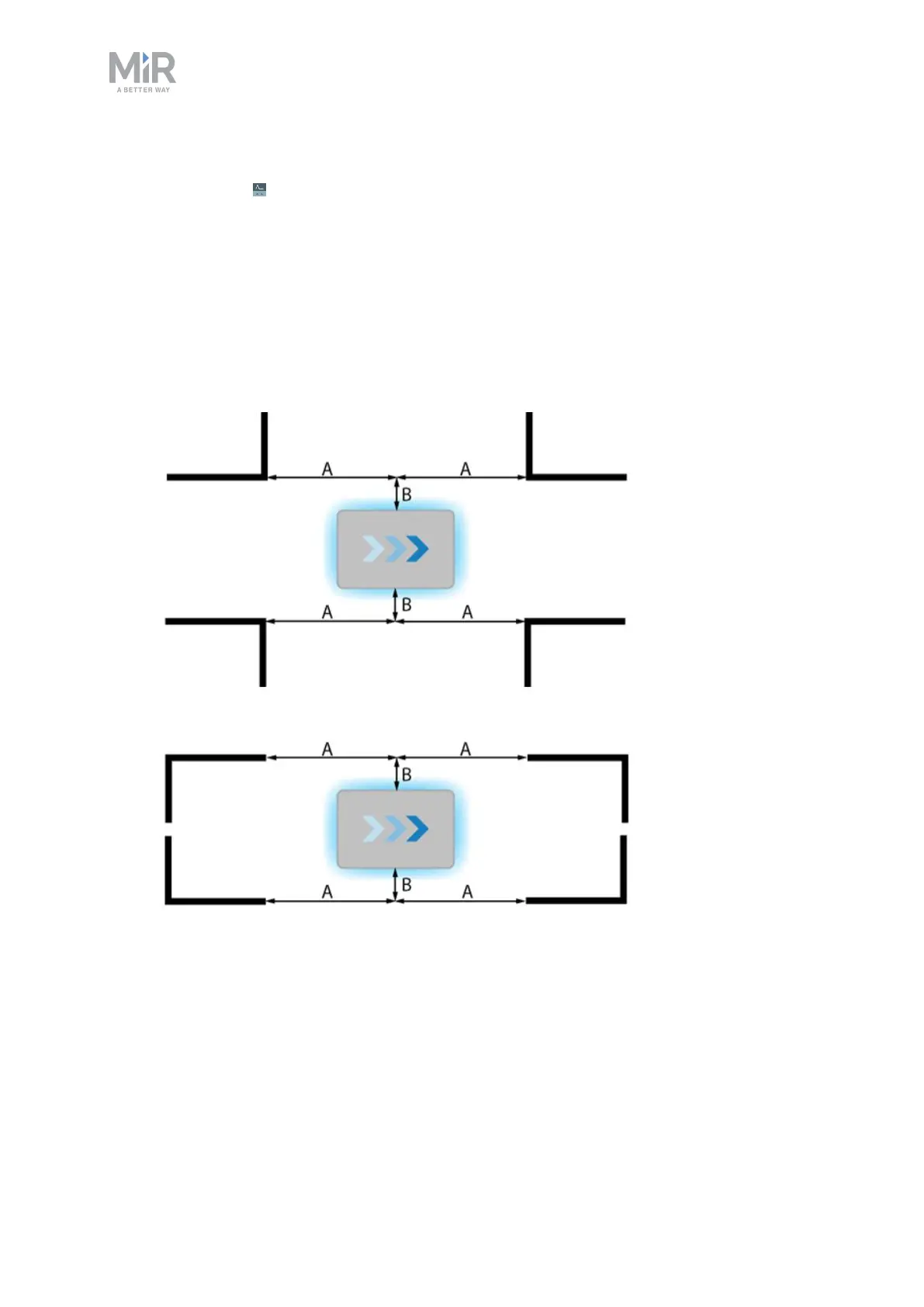
• For L-markers, the following values apply:
• A: 1000 mm ±50 mm
B: 200 mm ±50 mm
• For all other markers, the robot must be positioned approximately one meter directly
in front of the marker.



 To Next Page