2. Product presentation
MiR600 User Guide (en) 08/2021 - v.1.0 ©Copyright 2021: Mobile Industrial Robots A/S. 28
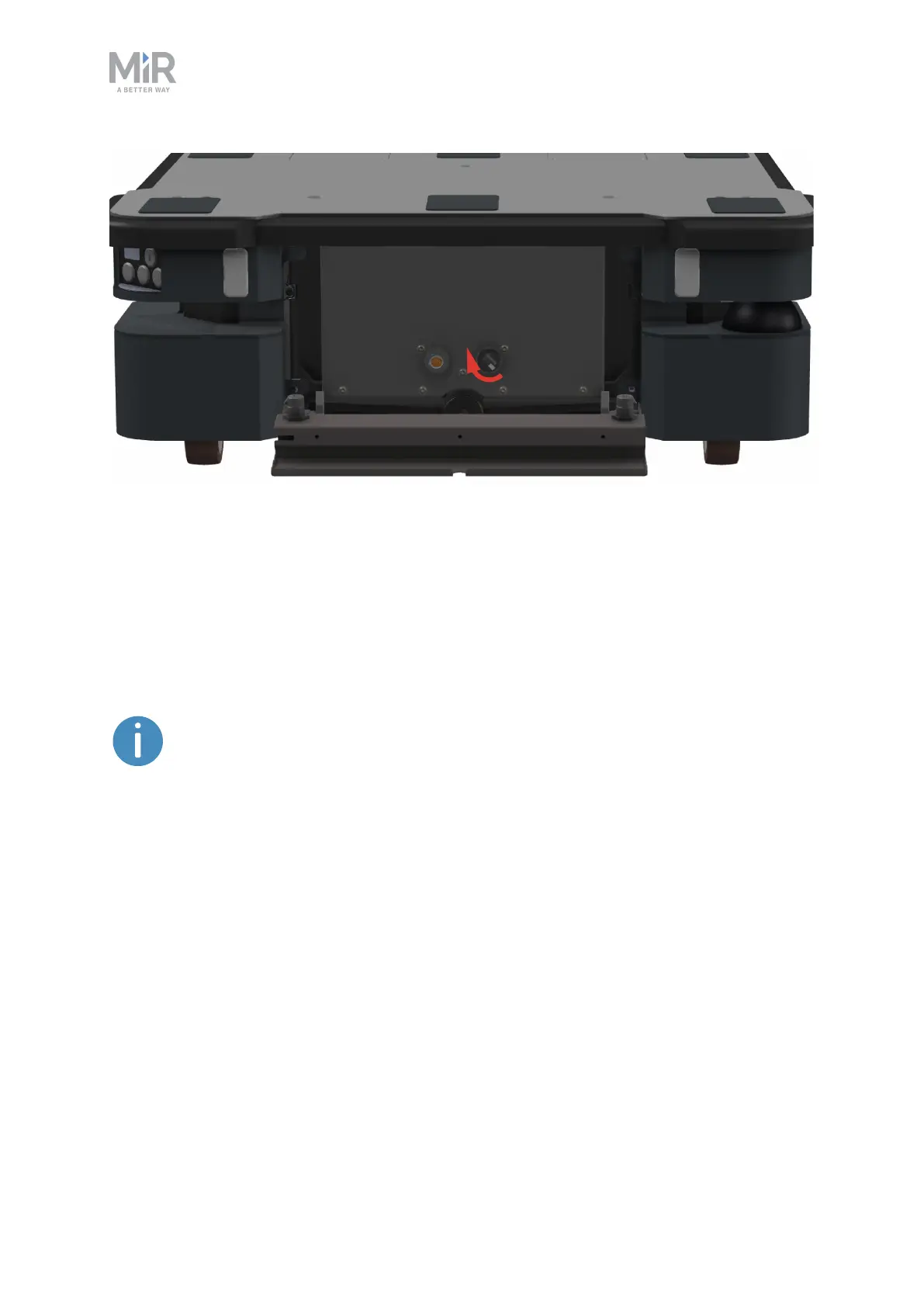
Figure 2.11. Turn the Manual brake release switch clockwise to release the brakes.
The mechanical brakes require electrical power to be released, so if the robot is without
power, the mechanical brakes cannot be released. You can see if the robot is powered by
checking if the Power button on the control panel lights up.
When driving in Autonomous mode, the robot engages and releases the mechanical brakes
automatically.
The robot cannot operate while the mechanical brakes are released manually.



 To Next Page