5. Accessing the internal parts
MiR600 User Guide (en) 08/2021 - v.1.0 ©Copyright 2021: Mobile Industrial Robots A/S. 42
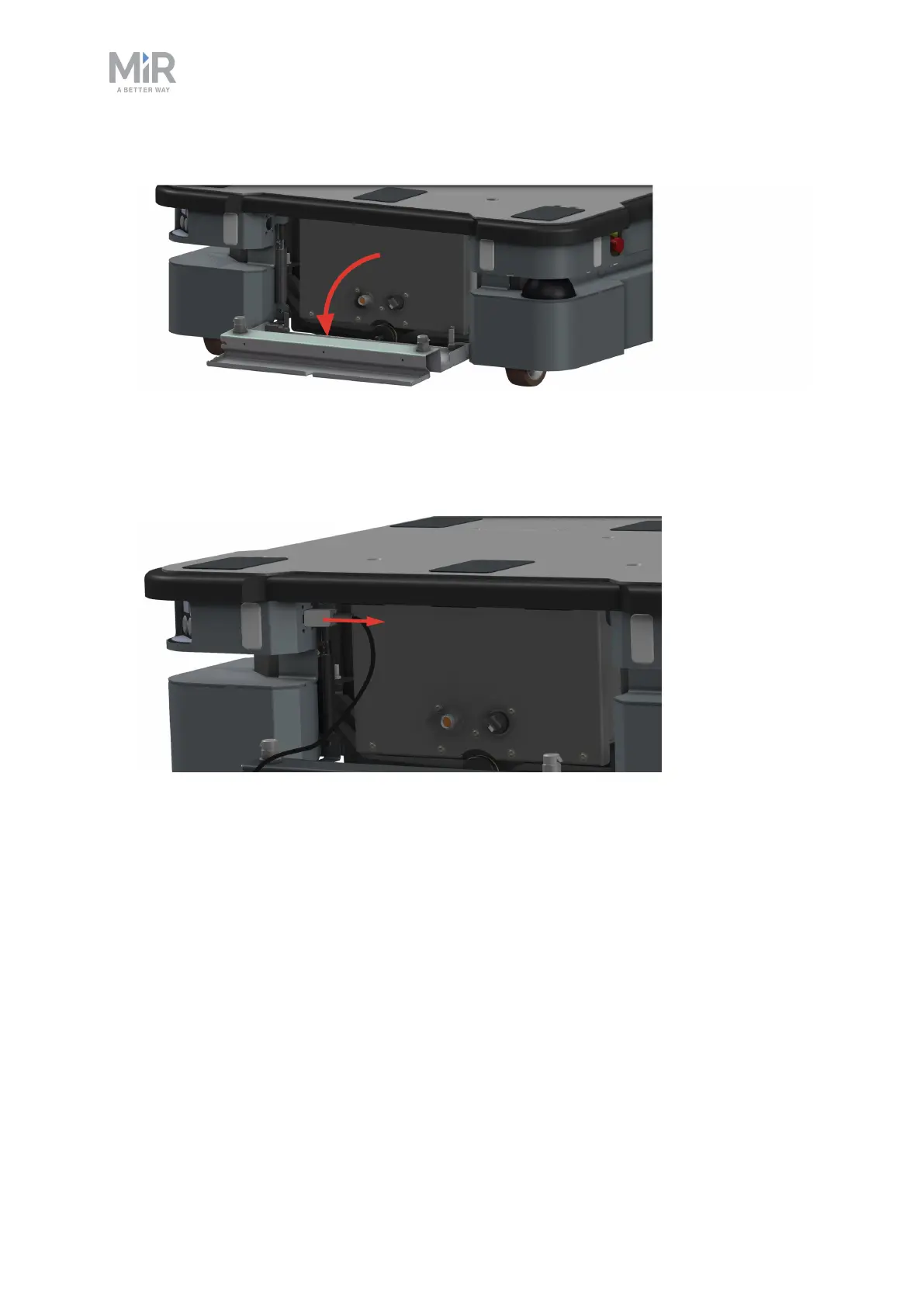
2. Pull open the hatch.
You can now access the Manual brake release switch and MiR Controller interface. To
access the motor controller carrier board and dynamic brake contactors, follow these steps:
3. Disconnect the status light connector.



 To Next Page