6. Getting started
MiR600 User Guide (en) 08/2021 - v.1.0 ©Copyright 2021: Mobile Industrial Robots A/S. 65
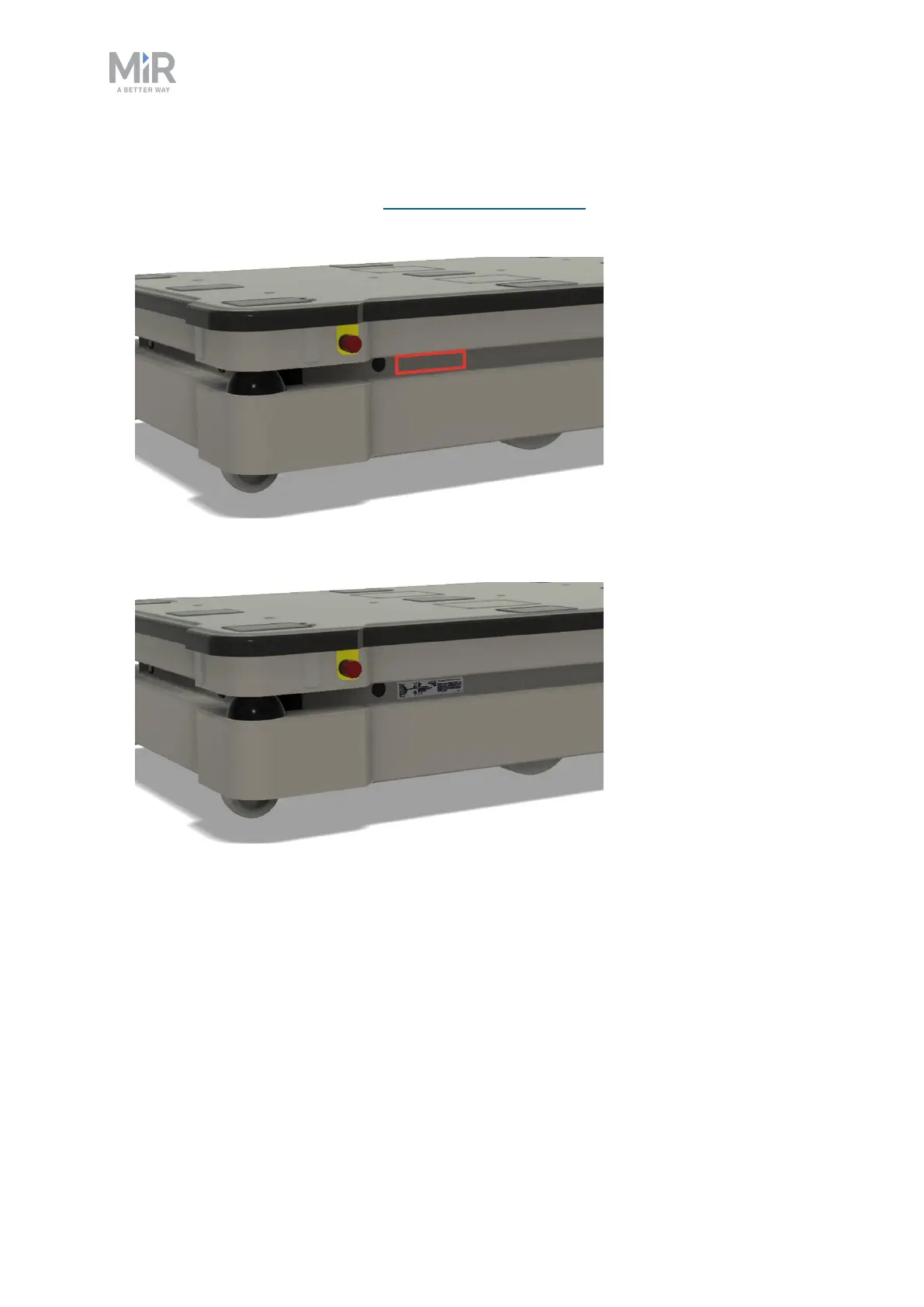
To mount the nameplate correctly, follow these steps:
1. Locate the right side hatch—see External parts on page14.
2. Clean the area marked in the image below with a degreasing agent.
3. Mount the nameplate on the cleaned area.



 To Next Page