12. Maintenance
MiR250 Hook Integrator Manual (en) 12/2023 - v.3.0 ©Copyright 2021–2023: Mobile Industrial Robots A/S. 149
12.2 Accessing the internal parts
Most internal parts of MiR250 Hook are accessed through covers that open to different
compartments.
See a video of the process on the MiR TechComm videos channel on vimeo.com.
CAUTION
Removing covers from the robot exposes parts connected to the power supply,
which can result in a short circuit that will damage the robot and could injure
personnel.
l
Before removing any covers, turn off the robot.
l
Start by removing the rear cover, and disconnect the battery—see "Disconnecting
the battery" on page82.
Front compartment
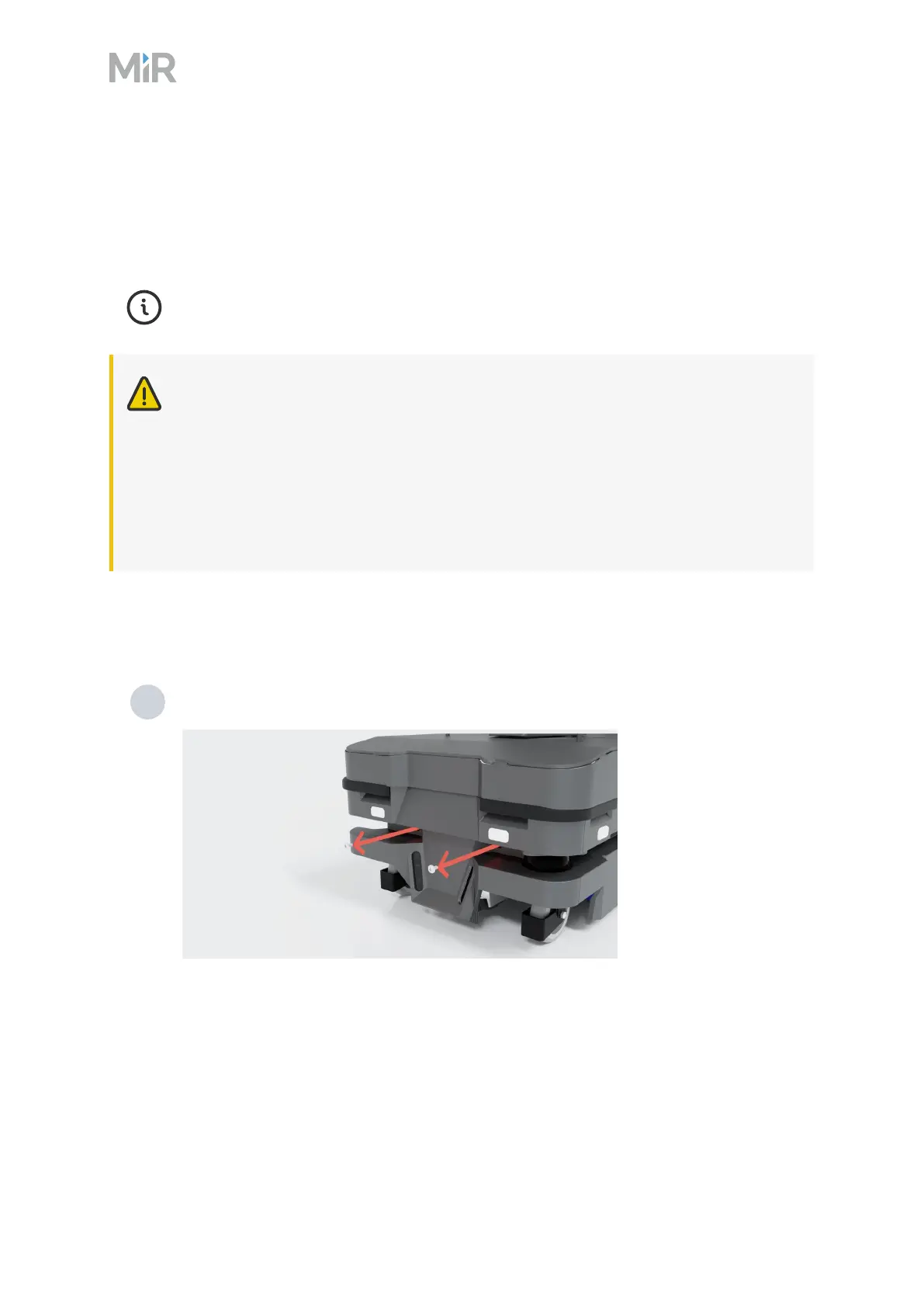
To open the front compartment, follow these steps:
1 Unscrew the two screws holding the front cover. Use a T30 screwdriver.



 To Next Page