7. Usage
MiR250 Hook Integrator Manual (en) 12/2023 - v.3.0 ©Copyright 2021–2023: Mobile Industrial Robots A/S. 104
7.7 Creating a cart
Before creating missions with carts, you need to define the different carts that your robot will be
docking to. This information is used when the robot is picking up, placing, and towing the cart to
ensure that the cart is correctly transported.
To make the robot interface display hook options, you must enable the feature as
described in "Enable the MiR250 Hook feature" on page68.
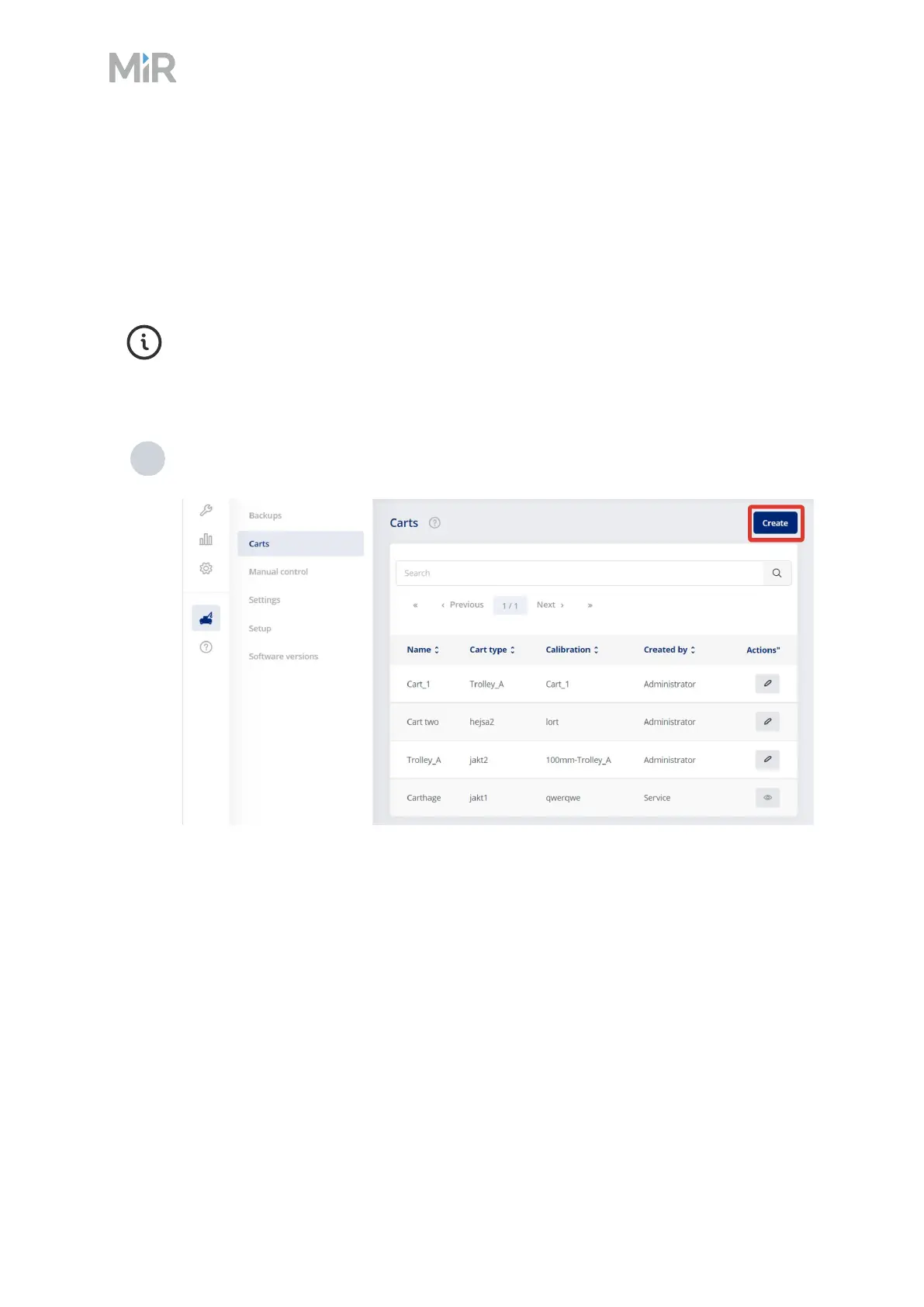
To create a new cart, follow these steps:
1 Go to Hook >Carts, and select Create.



 To Next Page