4. Unboxing
MiR250 Hook Integrator Manual (en) 12/2023 - v.3.0 ©Copyright 2021–2023: Mobile Industrial Robots A/S. 68
4.11 Enable the MiR250 Hook feature
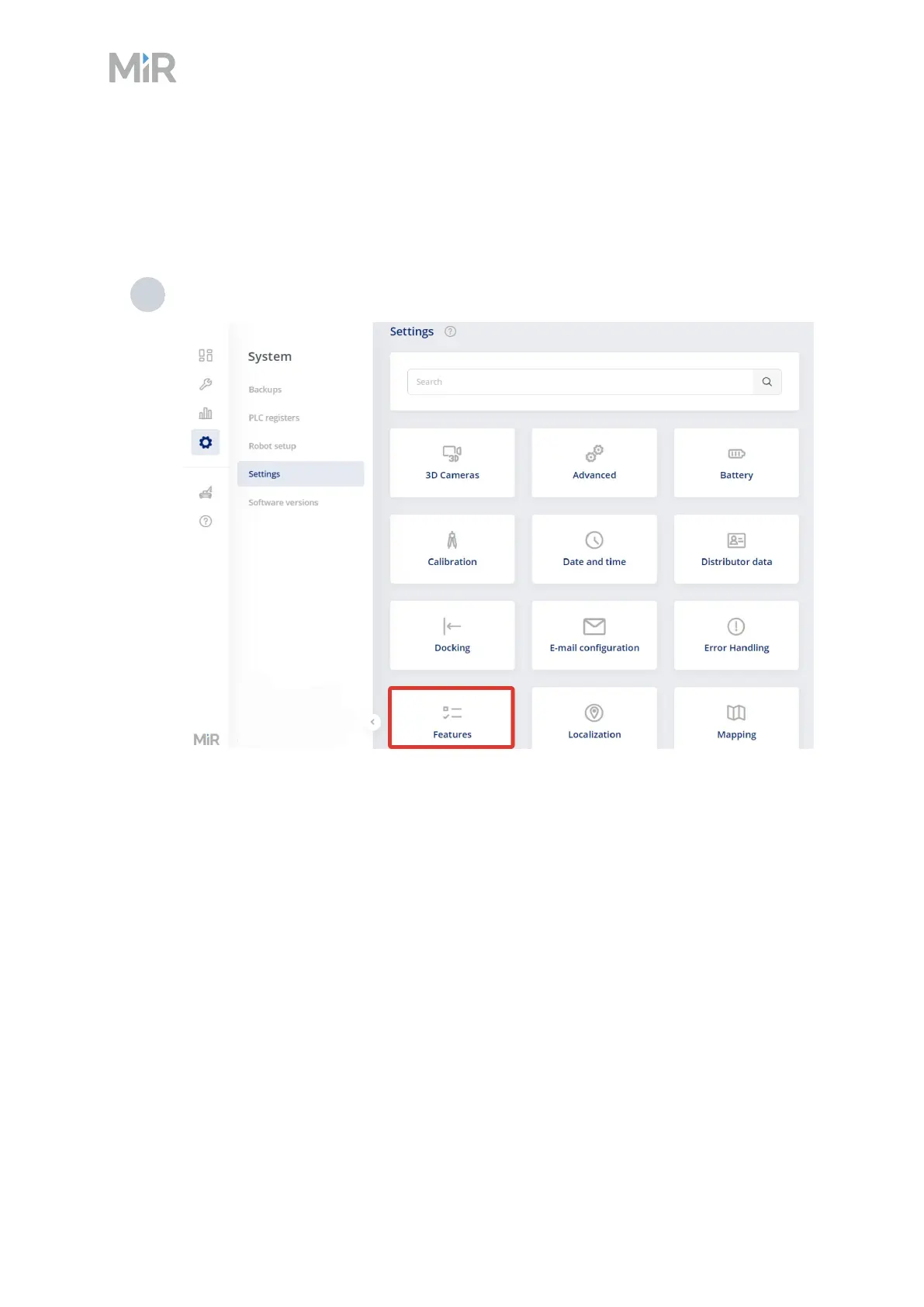
To access the MiR250 Hook settings and mission menus, the MiR250 Hook features must be
enabled.To check that they are enabled, follow these steps:
1 Sign in to the robot interface, and go to System > Settings > Features.



 To Next Page