7. Usage
MiR250 Hook Integrator Manual (en) 12/2023 - v.3.0 ©Copyright 2021–2023: Mobile Industrial Robots A/S. 87
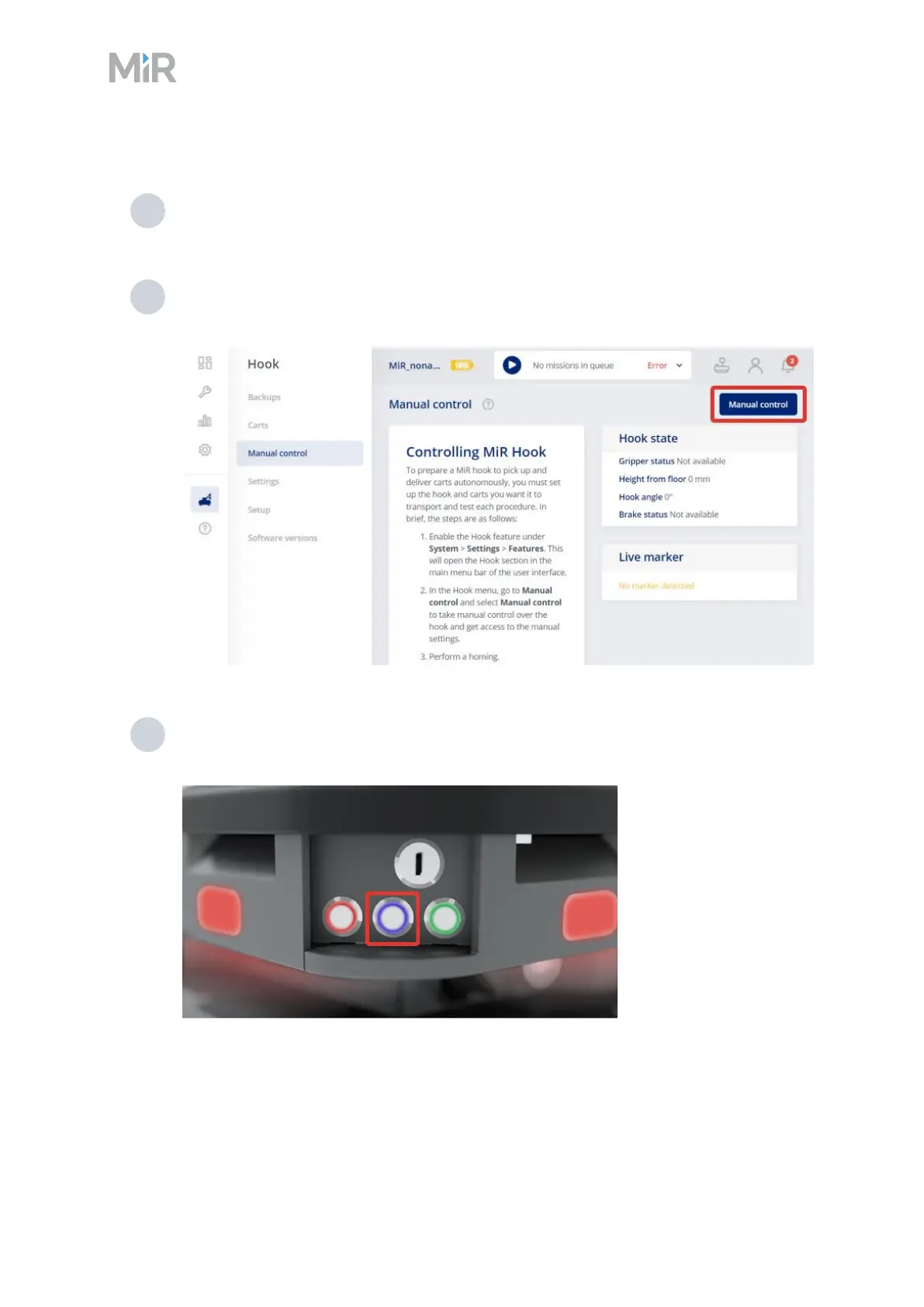
To drive the robot in Manual mode, follow these steps:
1 On the robot, turn the Operating mode key to Manual mode (turn it to the right). The
robot enters Emergency stop.
2 In the robot interface, go to Hook > Manual control and select Manual control. The
Resume button on the robot starts blinking.
3 On the robot, press the Resume button. The status lights turn blue, indicating that the
Hook is in Manual mode.



 To Next Page