Mitel 6970 IP Conference Phone User Guide
Getting started
The Mitel 6970 IP Conference Phone must be set up and be configured by your system administrator
prior to its first use.
UI overview
Navigation
UI navigation is performed using the LCD touchscreen:
• Swipe left and right in the top softkey area to switch top softkey pages.
• Swipe up and down in the various settings menus as well as the Directory application to scroll
through the respective list of settings and contacts.
• Tap an item on the screen to select it or perform a corresponding action.
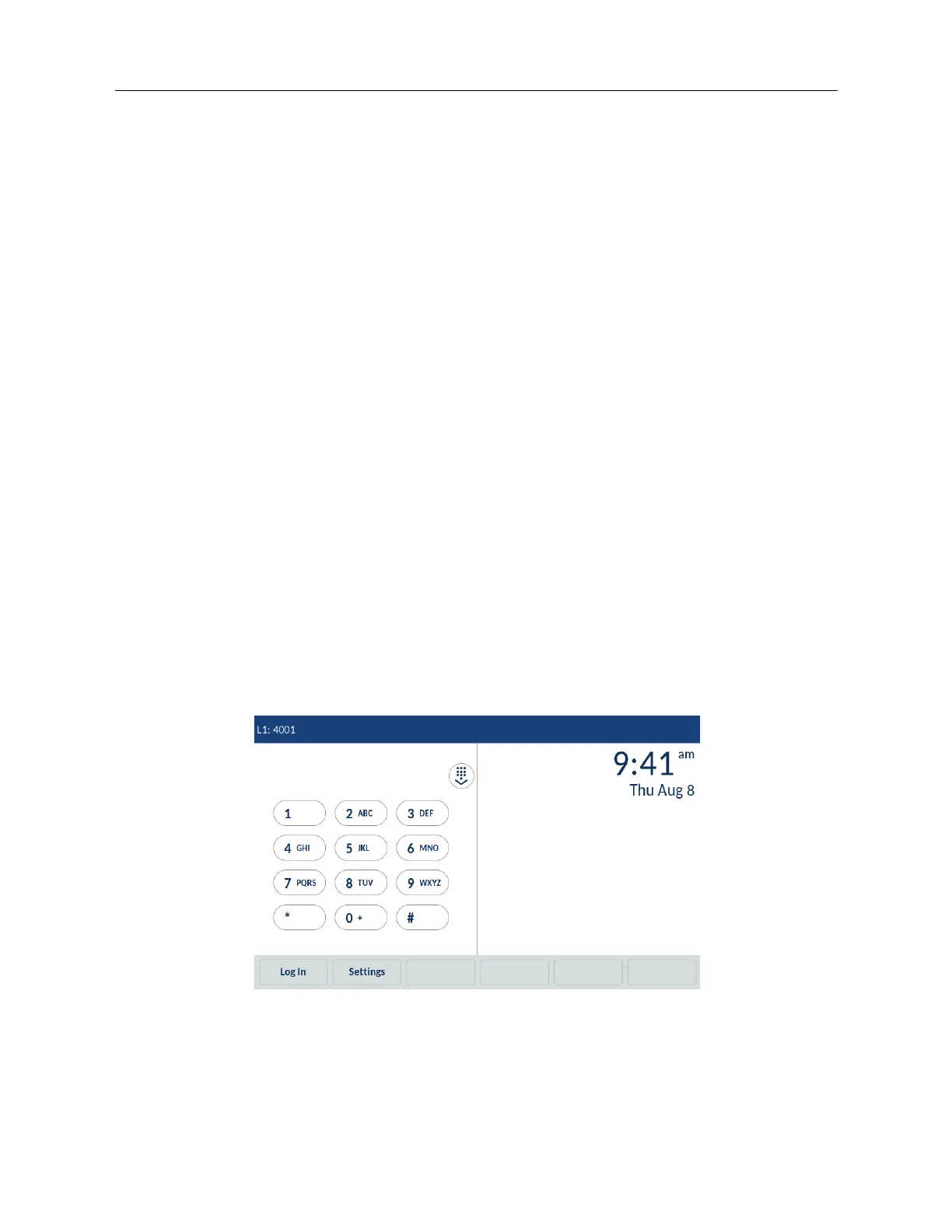
Home screen and Dialpad screen
When the phone has successfully booted up and connected to the network, the phone displays the
Dialpad screen as a default screen. Once a user has hot-desked into the phone, the default screen
becomes the Home screen to give instant access to personal speed dials and softkeys.
The Dialpad screen displays the following elements in an idle state:
• status bar
• on-screen dialpad
• time and date
• bottom softkeys



 To Next Page