Mitel 6970 IP Conference Phone User Guide
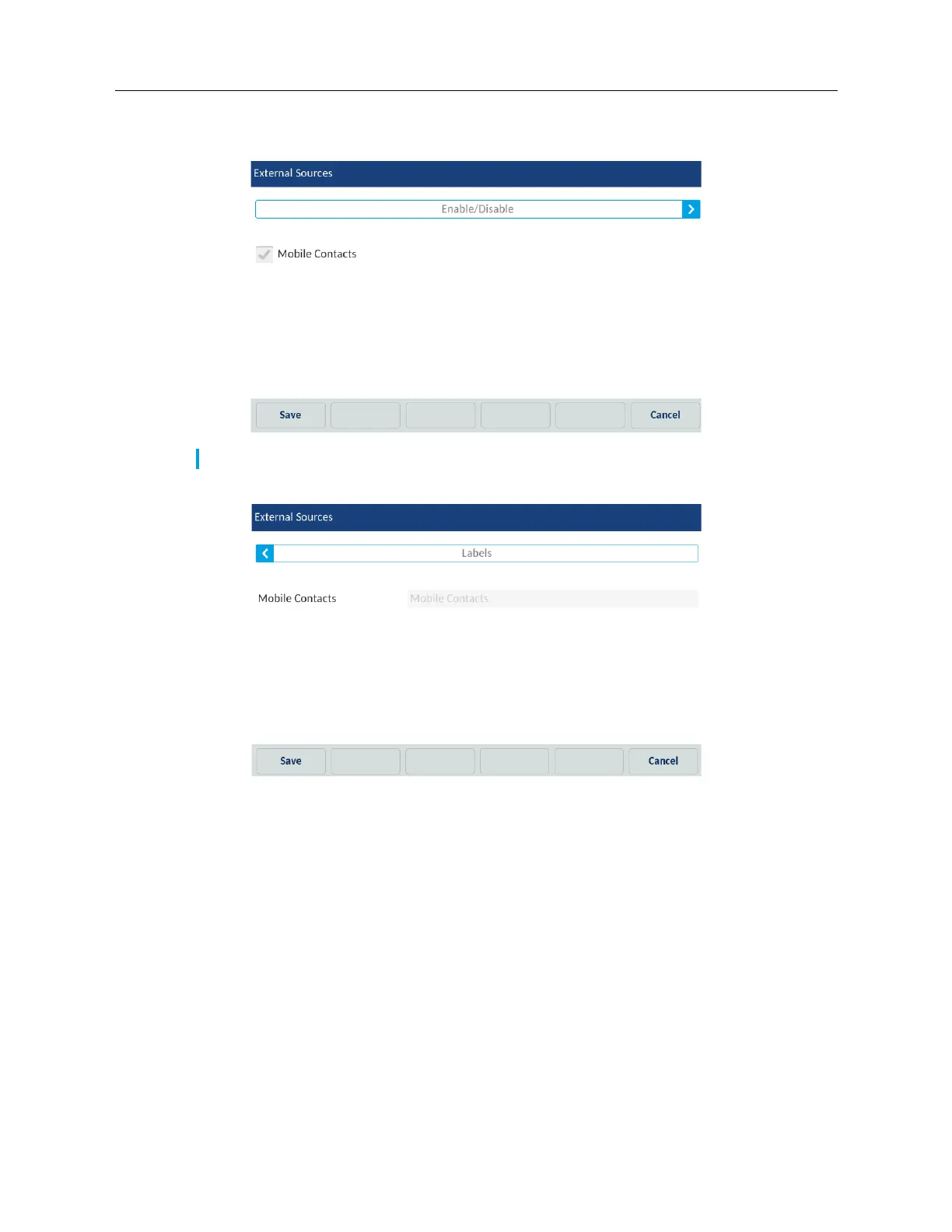
4. Tap the corresponding checkbox to enable or disable each external directory source as per
your preference.
5. Tap right arrow on the Enable/Disable tab to switch to the Labels tab.
6. Tap the Directory source label field that you want to edit and using the on-screen keyboard
enter in a name for the respective directory folder.
7. Tap the Save softkey to save your changes.
Call Forward
Call Forward on the Mitel 6970 IP Conference Phone allows incoming calls to be forwarded to
another destination. You can enable your calls to be forwarded:
• When your phone is busy.
• When you’re not answering the phone.
• All the time.
Note: CSV 1 and 2 are enabled by default. All other Directory sources are disabled by default.



 To Next Page