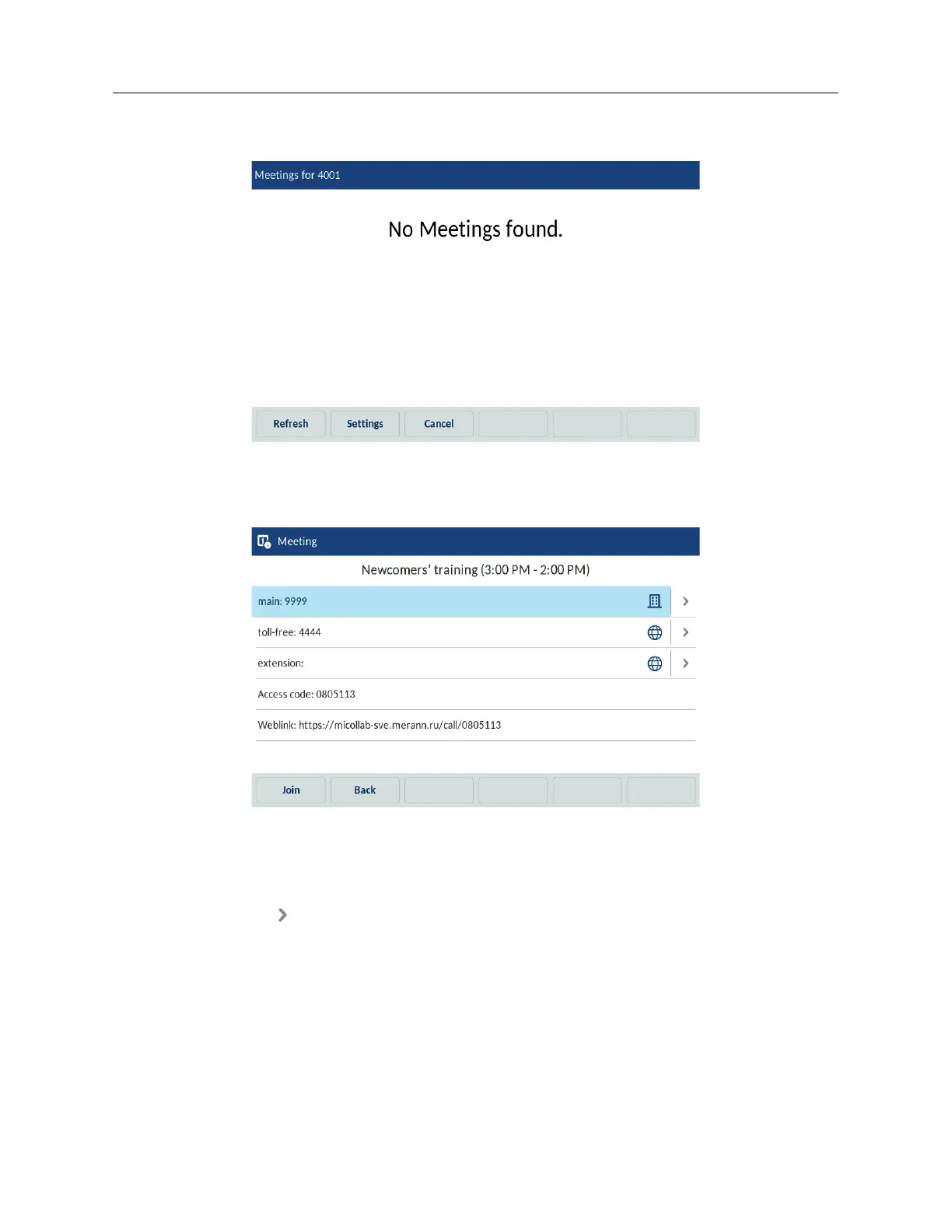
If there are no meetings scheduled for that specific room, the phone shows the following
message:
2. (Optional) Tap the Refresh softkey to check for newly organized meetings if the expected
meeting isn’t in the list.
3. Tap a meeting from the list and then tap the Join softkey to join the call.
4. (Optional) Tap the Select softkey to get the details of the meeting.
Listed are different number options for dialing into the bridge plus the access code and web
share link.
5. Tap the (Arrow) icon to dial the associated phone number.
6. Tap the Join softkey to join the selected meeting.
7. (Optional) Tap the Back softkey to return to the list of the meetings available.
Joining the ongoing meeting
To join a meeting that is ongoing or just about to start, do the following:



 To Next Page