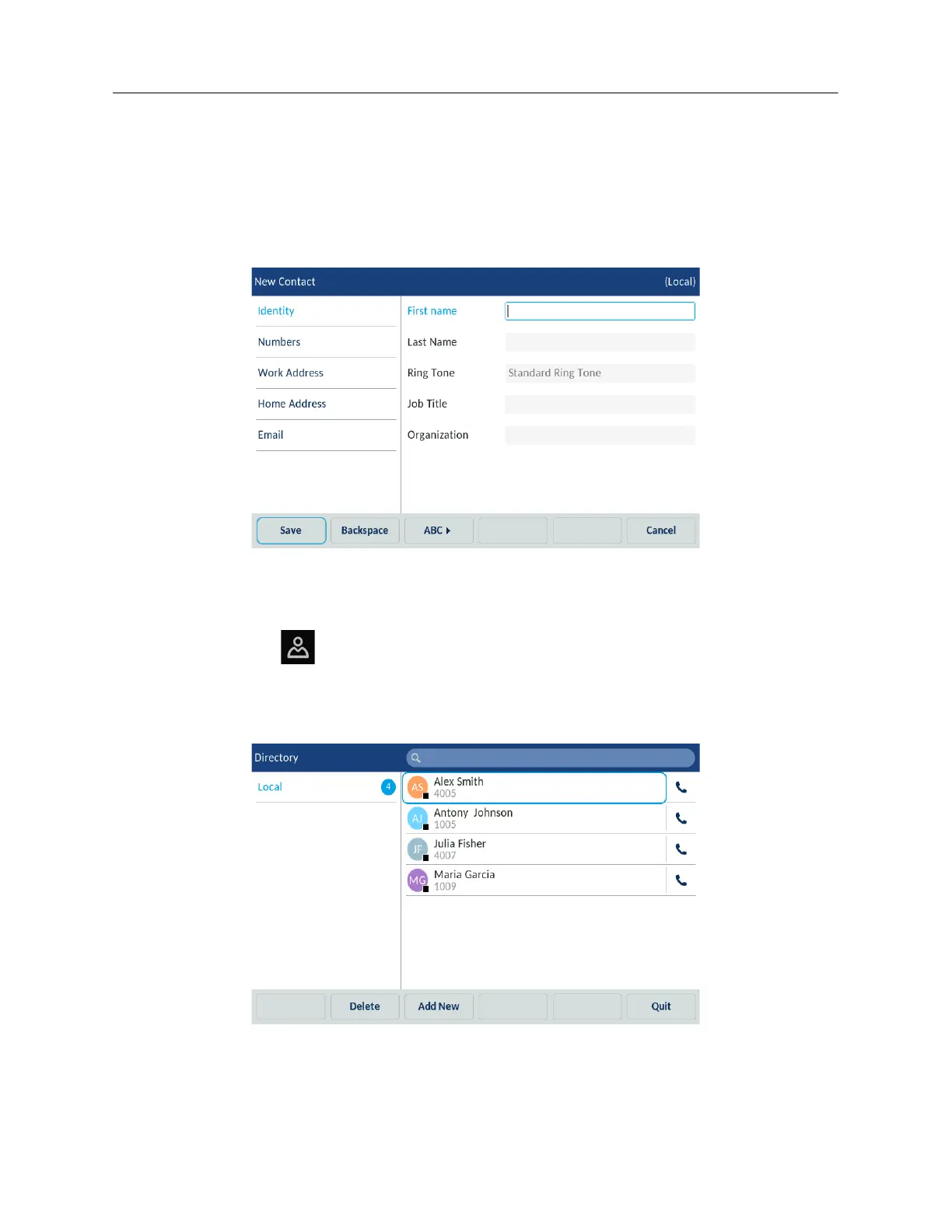
5. In the Numbers tab, select the respective field and enter the desired number of the local
contact using the on-screen keyboard.
6. (Optional) You can also enter Work Address, Home Address and Email information by selecting
the respective tabs.
7. Tap the Save softkey to save the contact to the Local Directory.
Editing an existing contact
To edit an existing contact in the Local Directory:
1. Press the
(Directory) key.
2. (Optional) Tap the search bar, enter the first letters of the contact’s name to initiate the search
function.
3. Tap contact you want to edit.



 To Next Page