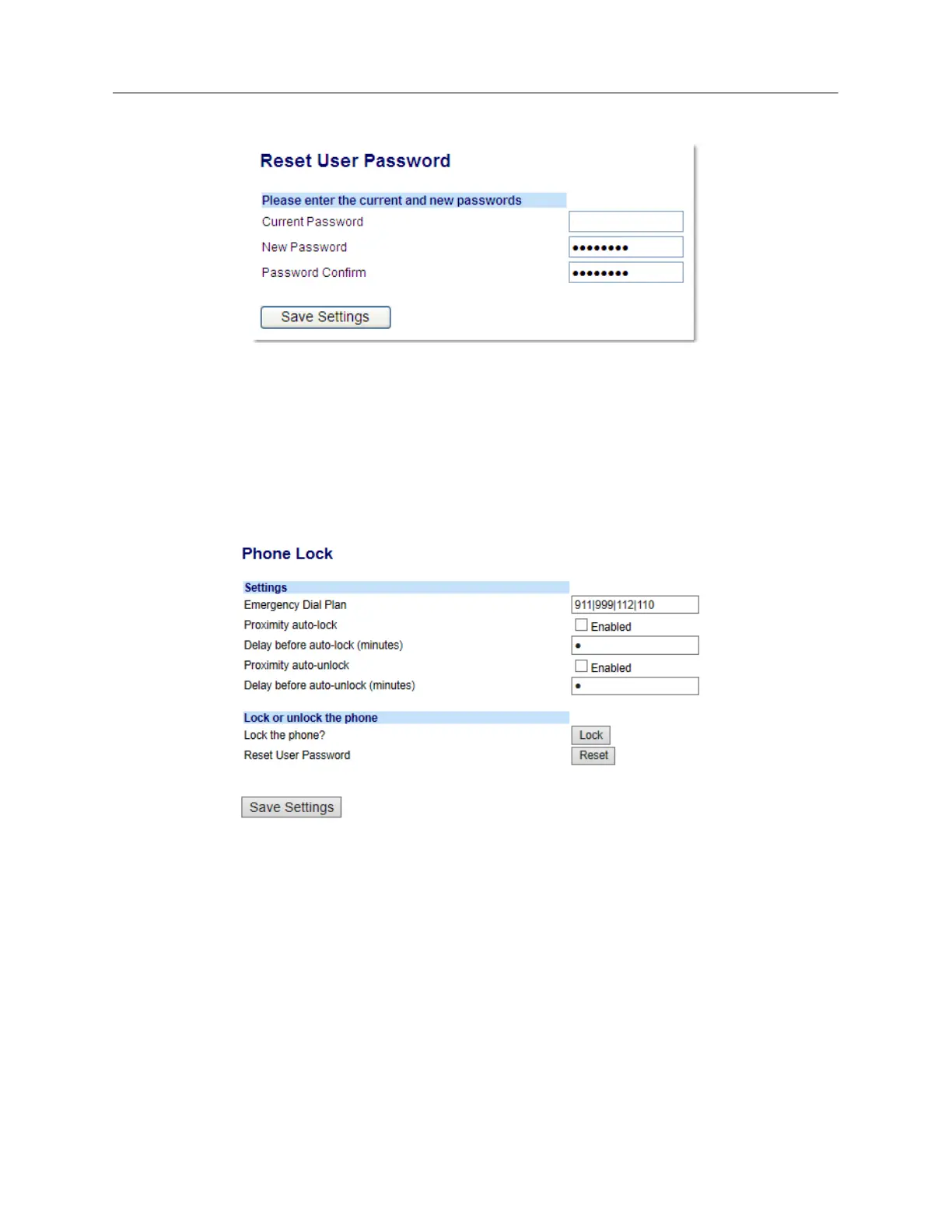
The following screen displays.
3. In the Current Password field, leave this blank.
4. In the New Password field, enter a new password.
5. In the Password Confirm field, re-enter your new user password.
6. Click Save Settings.
Locking and unlocking the phone
1. Click on Operation > Phone Lock.
To lock the phone
2. In the Lock the Phone? field, click Lock.
The message Phone is locked and lock icon displays on the Home screen. Additionally the
Message Waiting Indicator (MWI) will turn on.
Unlocking the phone
3. Click on Operation > Phone Lock.
4. In the Unlock the Phone? field, click Unlock.



 To Next Page