Mitel 6970 IP Conference Phone User Guide
Diagnostics
The Diagnostics settings should only be used by your System Administrator or under his/her
direction.
Audio
The Audio setting on the Mitel 6970 IP Conference Phone allows you to personalize ring tones and
tone sets.
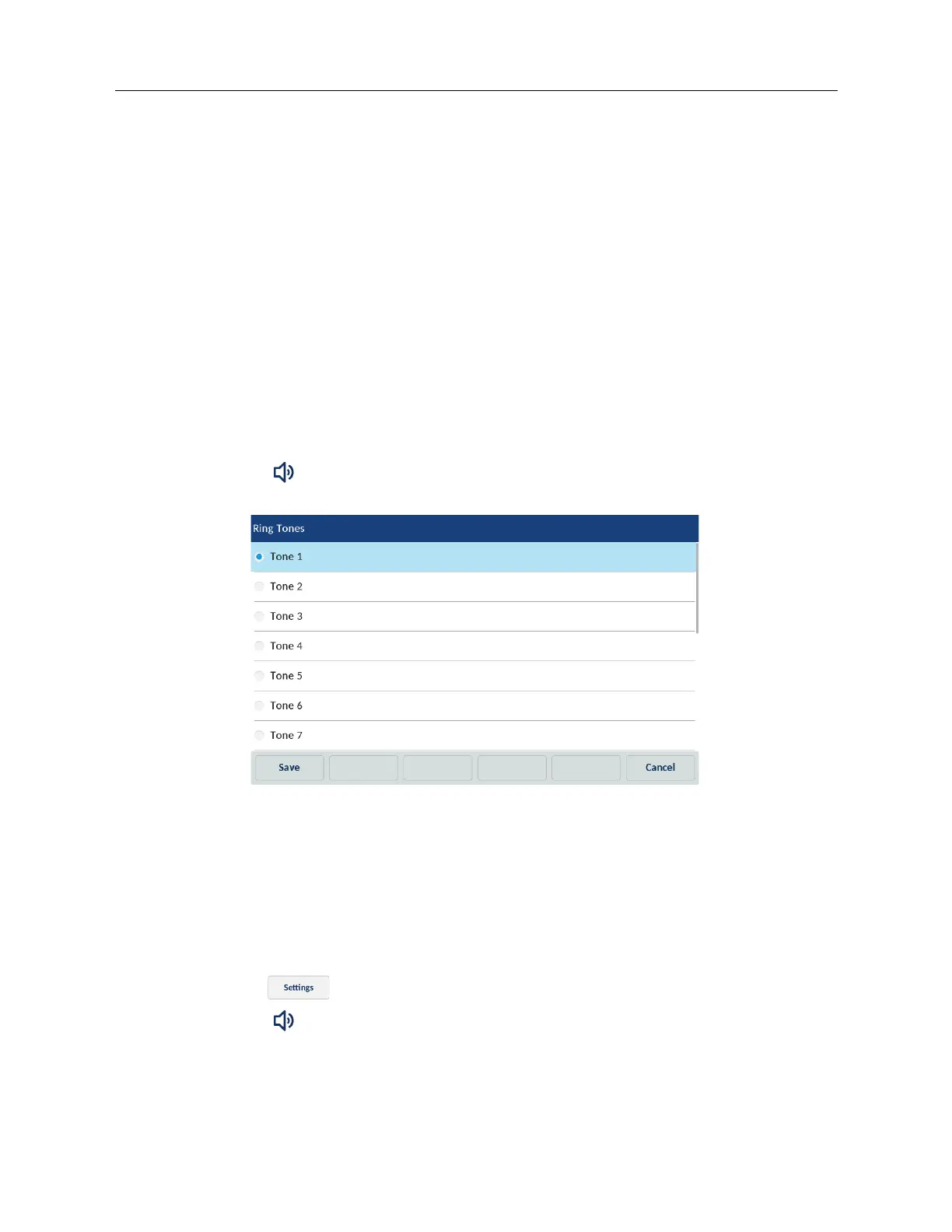
Configuring ring tones using the IP Phone UI
Global configuration only.
1. Tap the Settings softkey on the phone screen to open the Settings menu.
2. Tap the (Audio) icon.
3. Tap the Ring Tones icon.
4. Select the desired ring tone (Tone 1 through Tone 15, Silent, or any custom ring tones
installed)
5. Tap the Save softkey to save your changes.
The ring tone you select is immediately applied to the IP phone.
Configuring tone sets using the IP Phone UI
Global configuration only.
1. Tap the (Settings) softkey on the phone screen to open the Settings menu.
2. Tap the (Audio) icon.



 To Next Page