Mitel 6970 IP Conference Phone User Guide
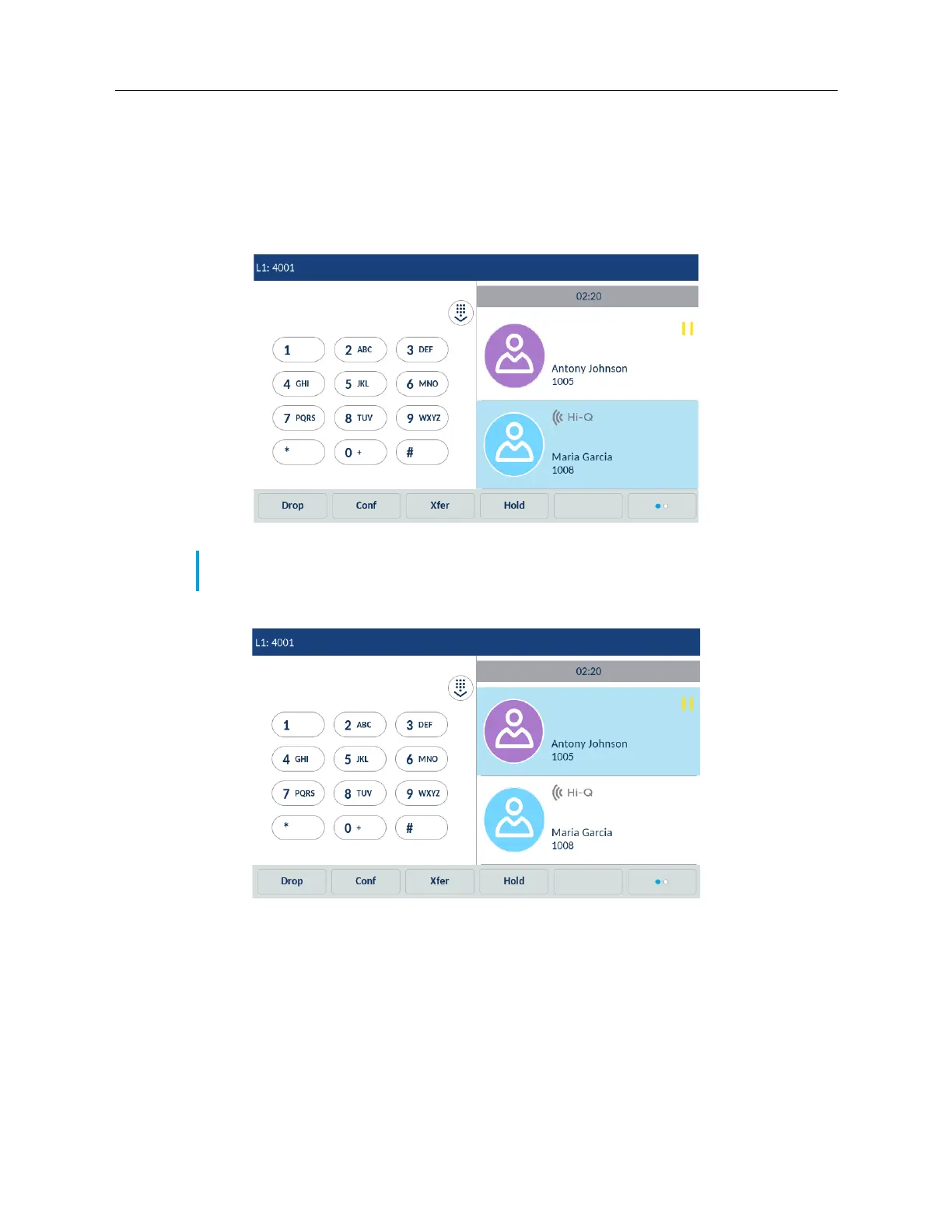
6. To drop a party from the conference, swipe up and down to scroll, tap the desired party, and
tap the Drop softkey.
Creating a conference call by joining two existing calls
1. Ensure you are on an active call with one of the parties with whom you wish to create a
conference (the other party should be placed on hold).
2. Swipe left or right to scroll and tap the party you wish to conference in.
Note: Direct conferencing can be performed in either the Multi-View Call screen or Detailed
View Call screen.



 To Next Page