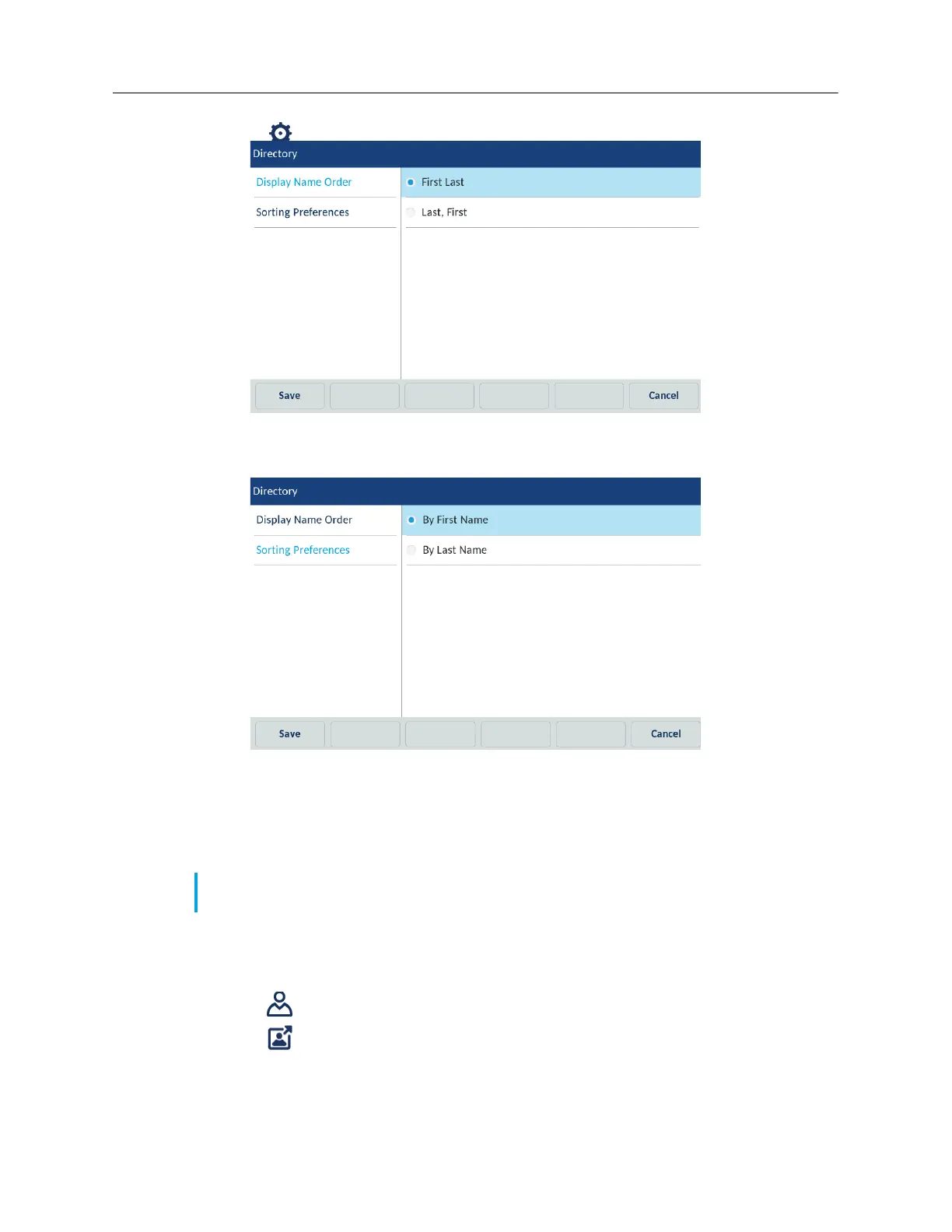
3. Tap the (Settings) icon.
4. Select the desired display name order.
5. Tap Sorting Preferences.
6. Select the desired sorting preference.
7. Tap the Save softkey to save your changes.
External Sources
Enabling/disabling directories and renaming labels using the IP Phone UI
1. Tap the Settings softkey on the phone screen to open the Settings menu.
2. Tap the (Directory) icon.
3. Tap the (External Sources) icon.
Note: Menu available only if external Directory sources have been configured by your
Administrator.



 To Next Page