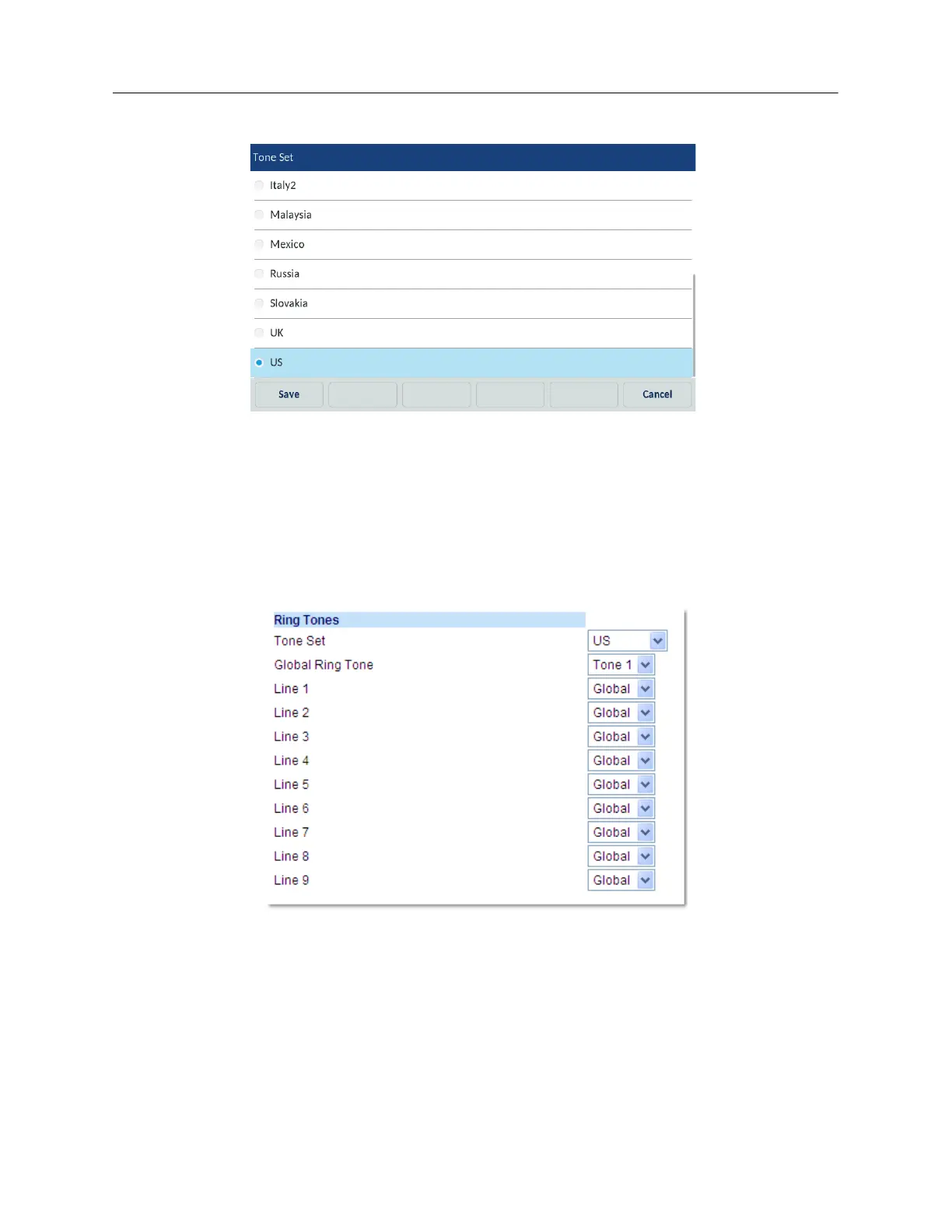
3. Tap the Tone Set icon.
4. Swipe up and down to scroll through the list and select the desired tone set.
5. Tap the Save softkey to save your changes.
The tone set you select is immediately applied to the IP phone.
Configuring ring tones and tone sets using the Mitel Web UI
1. Click Basic Settings > Preferences > Ring Tones.
For global configuration
2. In the Ring Tones section, select a country from the Tone Set field. Valid values are:
• Australia
• Brazil
• Canada
•Europe
•France



 To Next Page